Descriptions
If the selected graphics can’t fit the conditions, then SC1000 can’t do scan cutting, and the message
bar will show a message “The selected graphics can’t fit the conditions!”(新版软件对飞切的图形没有
要求,是否考虑删除本句说明)
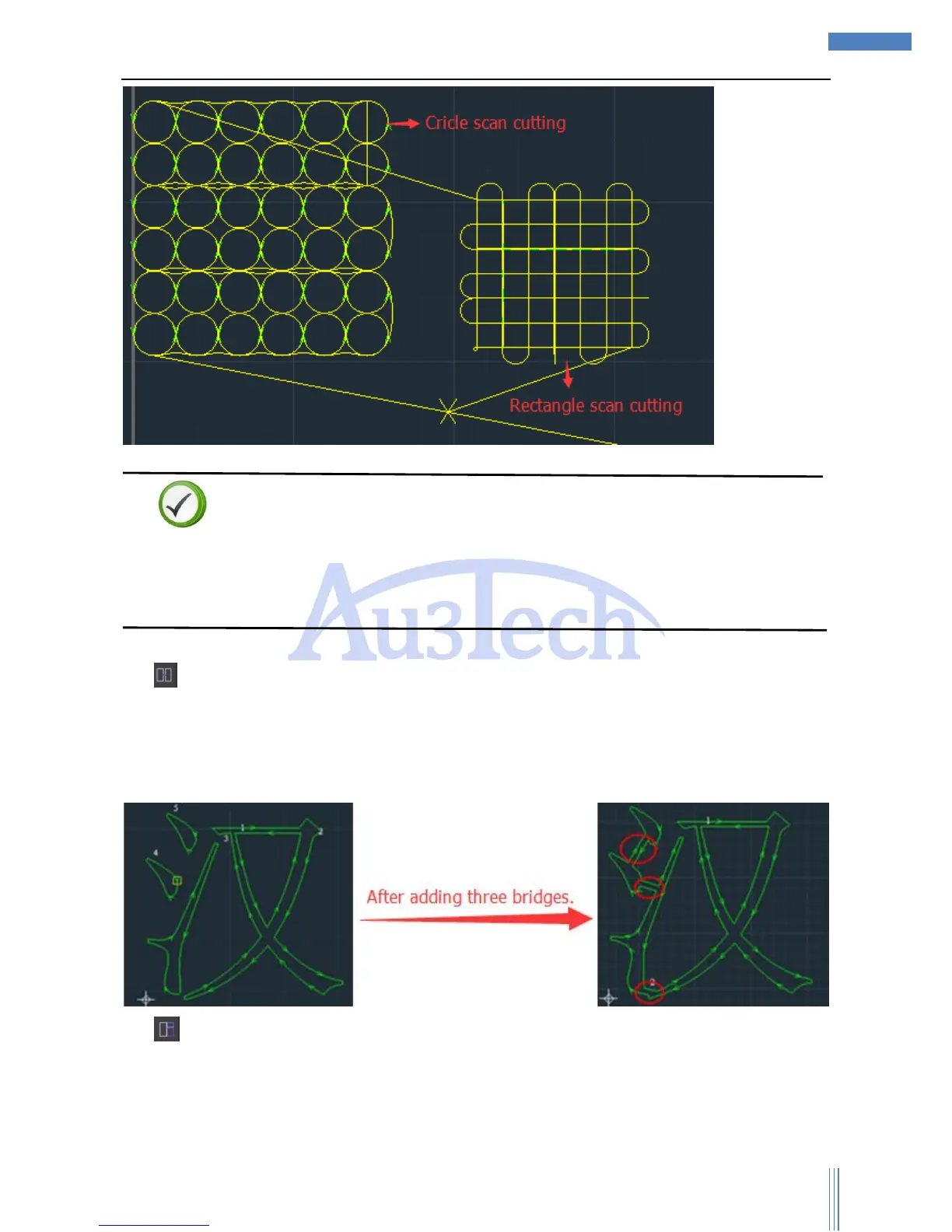
3) “Bridge” can be used to connect two independent and closed graphics into one part. This
function is very useful for multi related parts cutting together or AdWords cutting. After selected
“Bridge”, user can set up bridge width. Mouse Left to select one independent contour and move
mouse to select another independent contour then bridge over.
4) “Edge-sharing”: User can use this function to cut graphics sharing their edges so that to cut
the sharing edge one time to save the workpiece.



 To Next Page