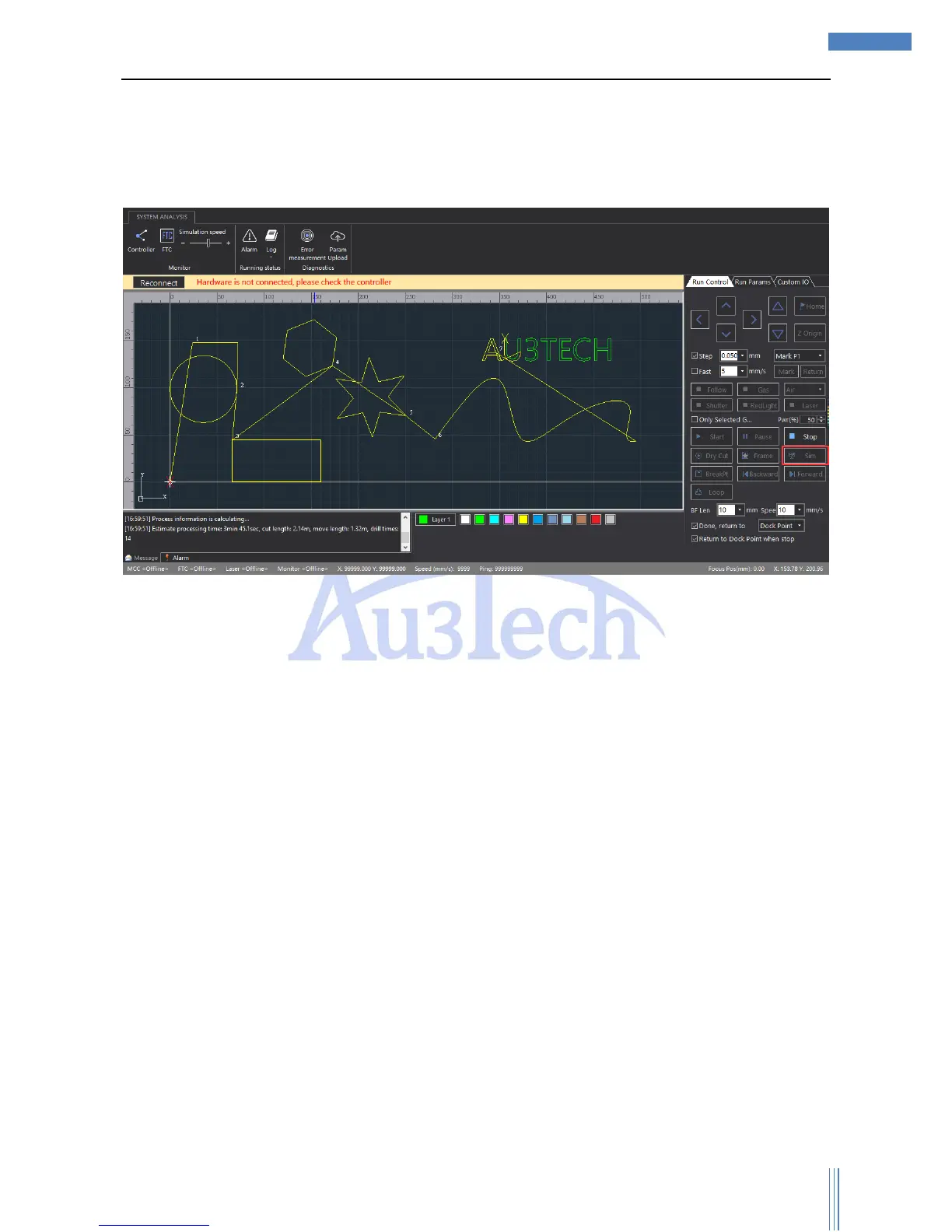
setting parameters in running control option.
4) Click “Edge seek”, SC1000 will order the machine to run along the graphic frame, so user can
check whether if the workpiece is inside the frame or not so that user can adjust the place of the
graphic/workpiece.
5) Click “Sim”, SC1000 will auto-simulate the cutting track, and the simulation speed can be adjusted.
2.1.7 Cutting
The running control must be done on the real machine. So the motion control card must
communicate with SC1000 normally, or the relevant buttons will turn gray and can’t be selected.



 To Next Page