Copyright © WUHAN AU3TECH TRADING CO., LTD
SC1000 Fiber Laser Cutting CNC System User’s Manual Version: V1.00
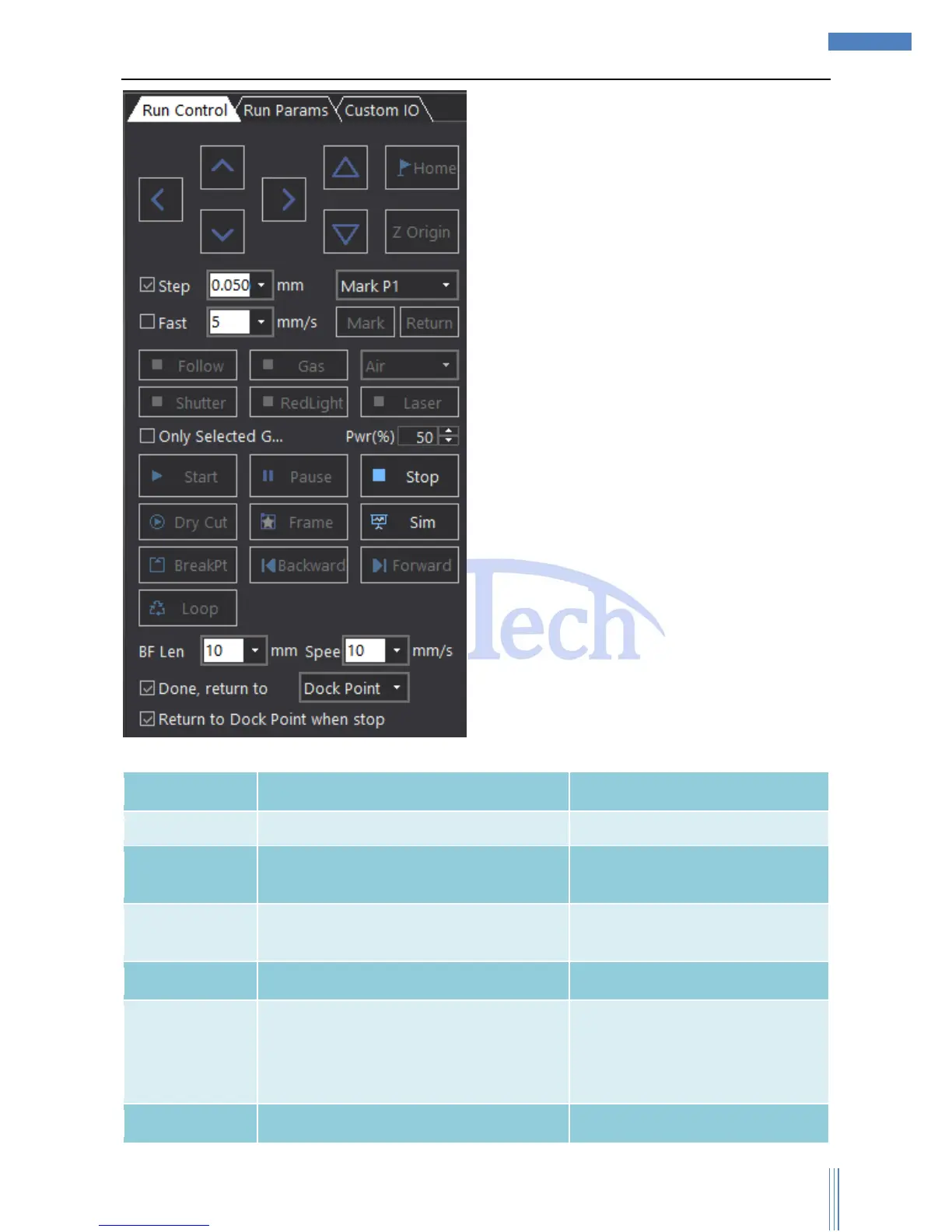
The meaning of each button shows as below:
User can continue the cutting process after
pause cutting.
Pause cutting, SC1000 will reserve the
current cutting information.
If user wants Z axis to follow when
dry cut, please select “Enable
Follow When Dry Cut” in “Run
Parameters”.
Cutting the frame of the selected graphic
Make sure the cutting graphic is



 To Next Page