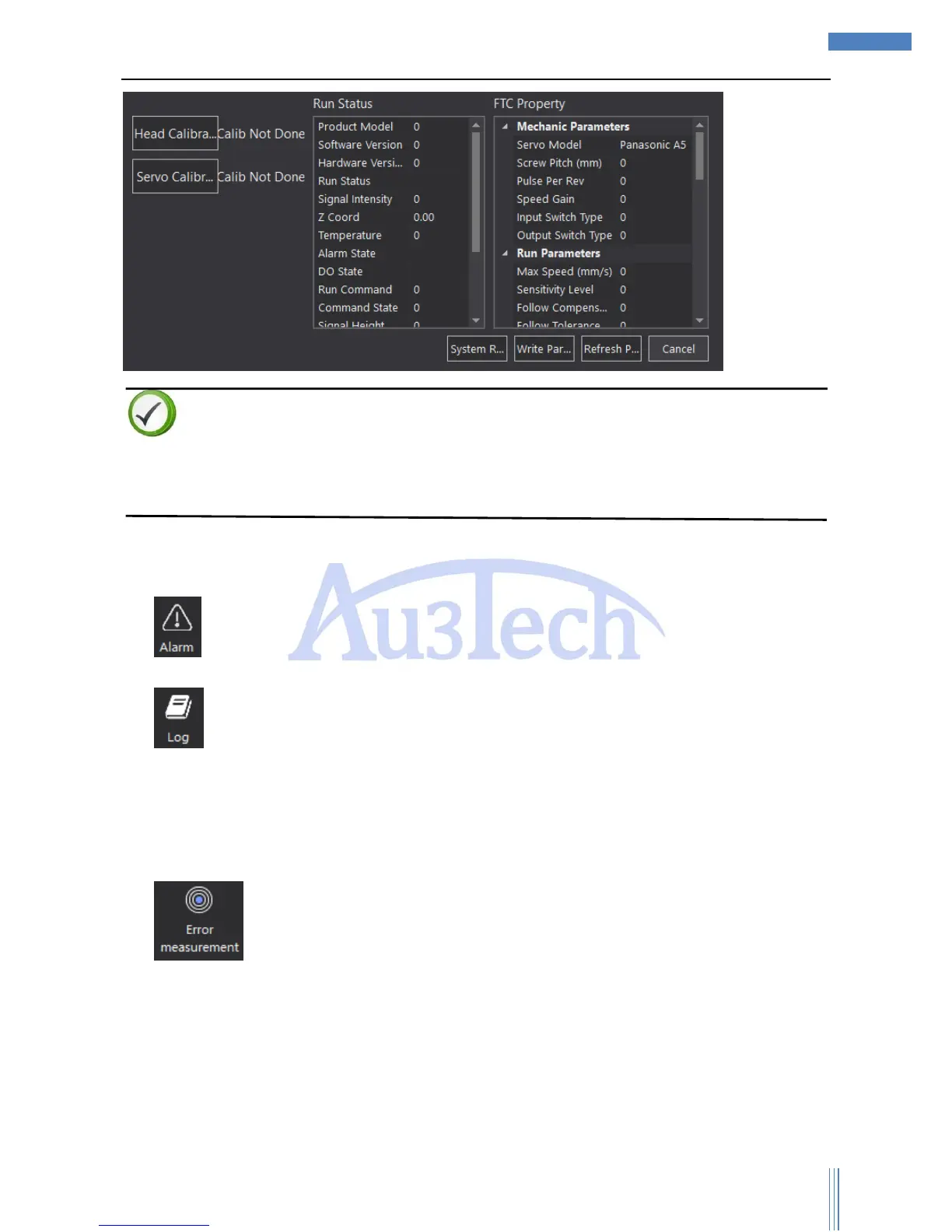
Descriptions
User can reference the descriptions of FTC to know the meaning of each parameter.
The first time to power on, user needs to use head calibration/servo calibration, or cutting head can’t
follow stably.
3.2.3.2 Running status
1) : User can check the current system alarm by clicking here so that user can easy find out the
problem.
2) : Click here to check the running log, including system alarms/ system messages. This
record can only be kept in 15 days.
3.2.3.3 System diagnose
1) : SC1000 can do error analysis such as roundness error by comparing the real running
path with the running path shows on the view section. SC1000 can draw the real running path by
collecting the information of encoder. User can easily debug the machine, and check the running
error of X/Y axis or measure circle and so on. It’s very useful.



 To Next Page