such as typeface, font height and so on.
5) :User can draw curve in “Polyline” and select closed graphics through Mouse Right.
6) User can continuously draw Bezier Curve in “ ”. User can draw point in “ ”.
Tips
User can draw through shortcut-menu by Mouse Right.
SC1000 can auto-capture the key point, user can make full use of this function during draw.
Click “Ctrl+C” and move the mouse at the same time to copy the selected graphic.
Click “ ” on the keyboard to adjust the place of selected graphic.
3.2.2.3 Graphic transformation
User can adjust the size/angle and so on in “Transform” part.
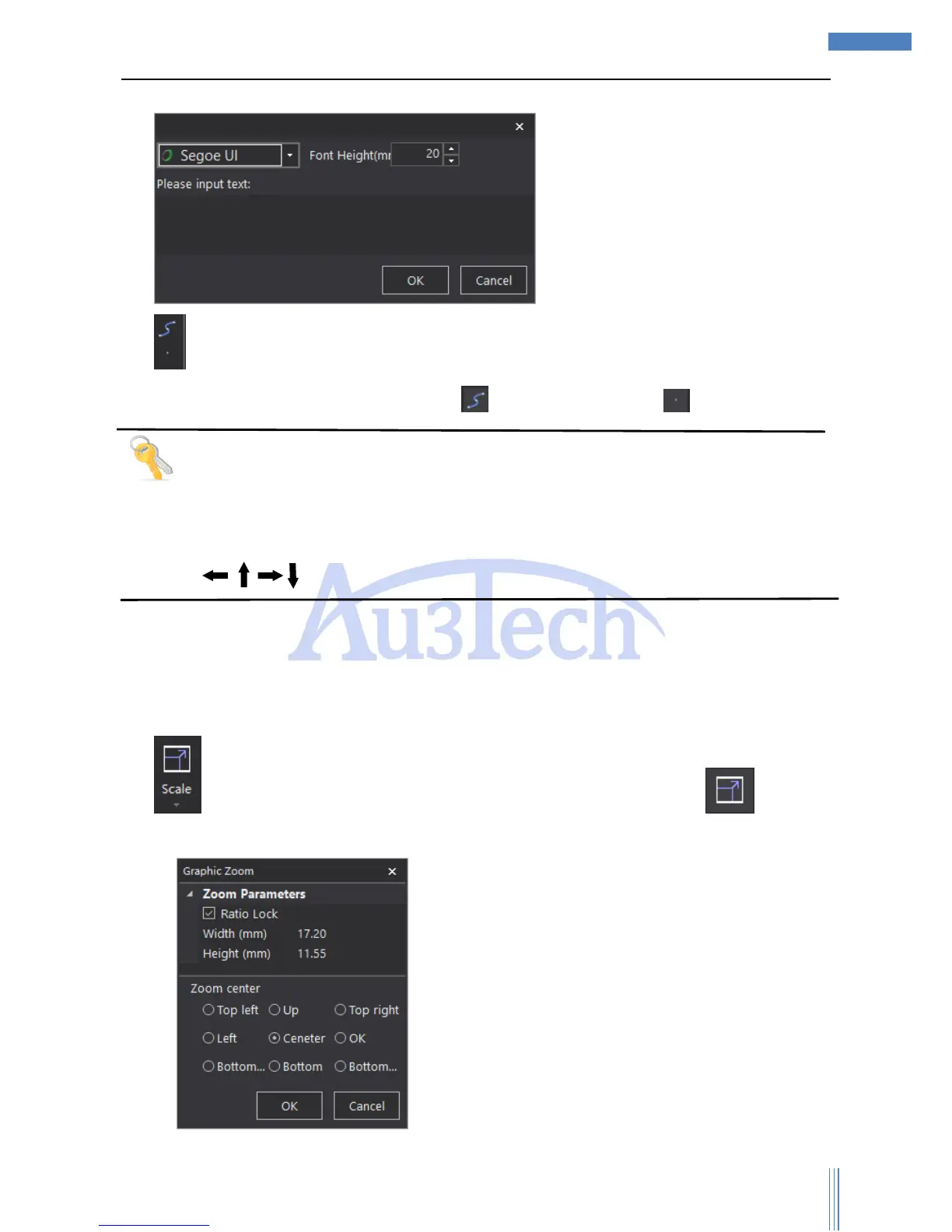
1) :User can adjust the size in proportion of the selected graphic. Click “ ” to set up
parameters.



 To Next Page