User can choose to zoom the selected graphic in proportion or by certain height/width. User can
also choose the zoom center according to his needs.
2) :User can rotate the selected graphic in any angle.
3) :User can mirror the selected graphic in horizon/perpendicular.
4) :SC1000 support various ways of alignment, includes: “Left aligned”, “Right aligned”,
“Horizontal aligned”, “Top/Bottom aligned”, “Vertical center”, “Center”.
3.2.2.4 Advanced transformation
User can adjust the nested relationship among multi graphics.
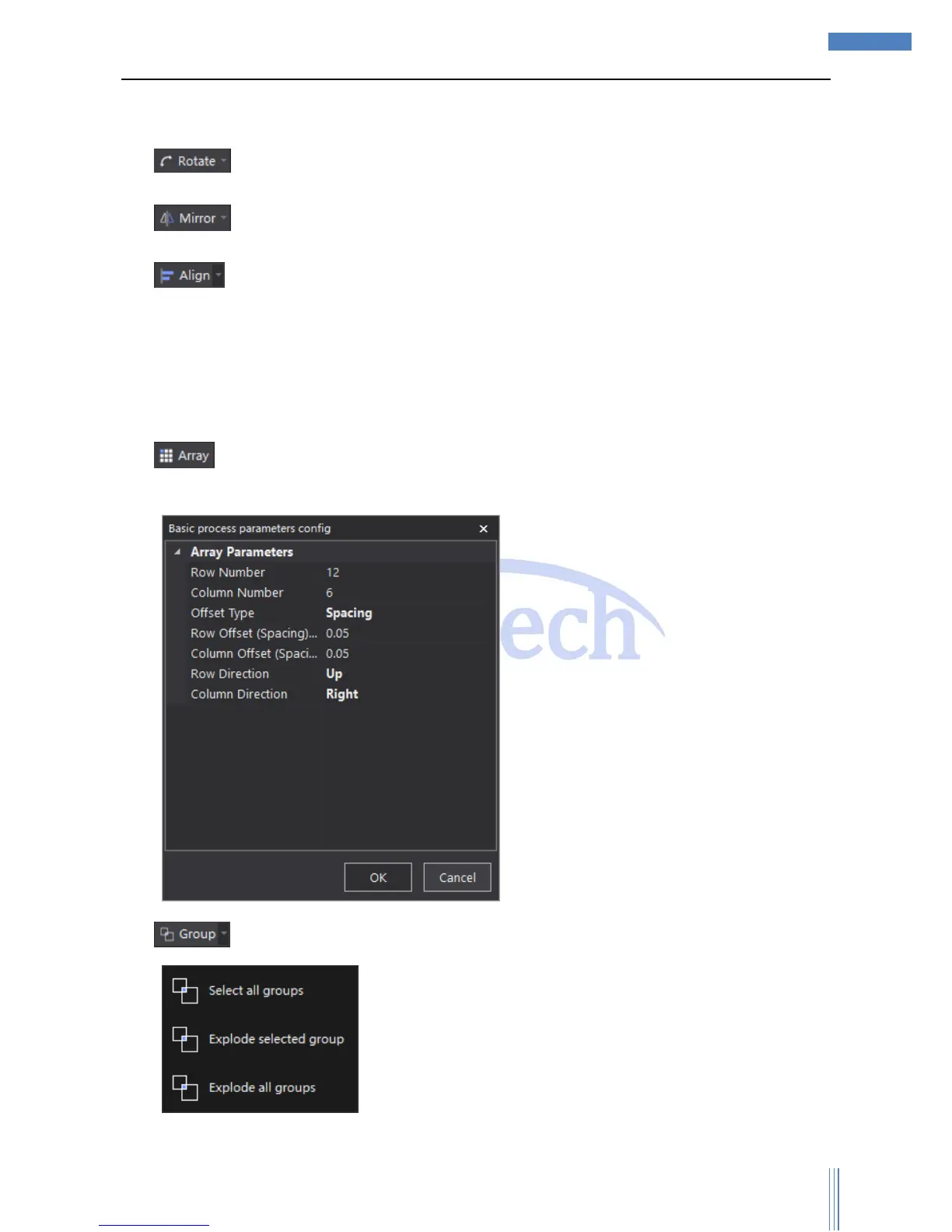
1) :User can array the selected graphic, which often used in cutting one single graphic for
many times.
2) :User can relate multi irrelevant graphics as a whole in one group.



 To Next Page