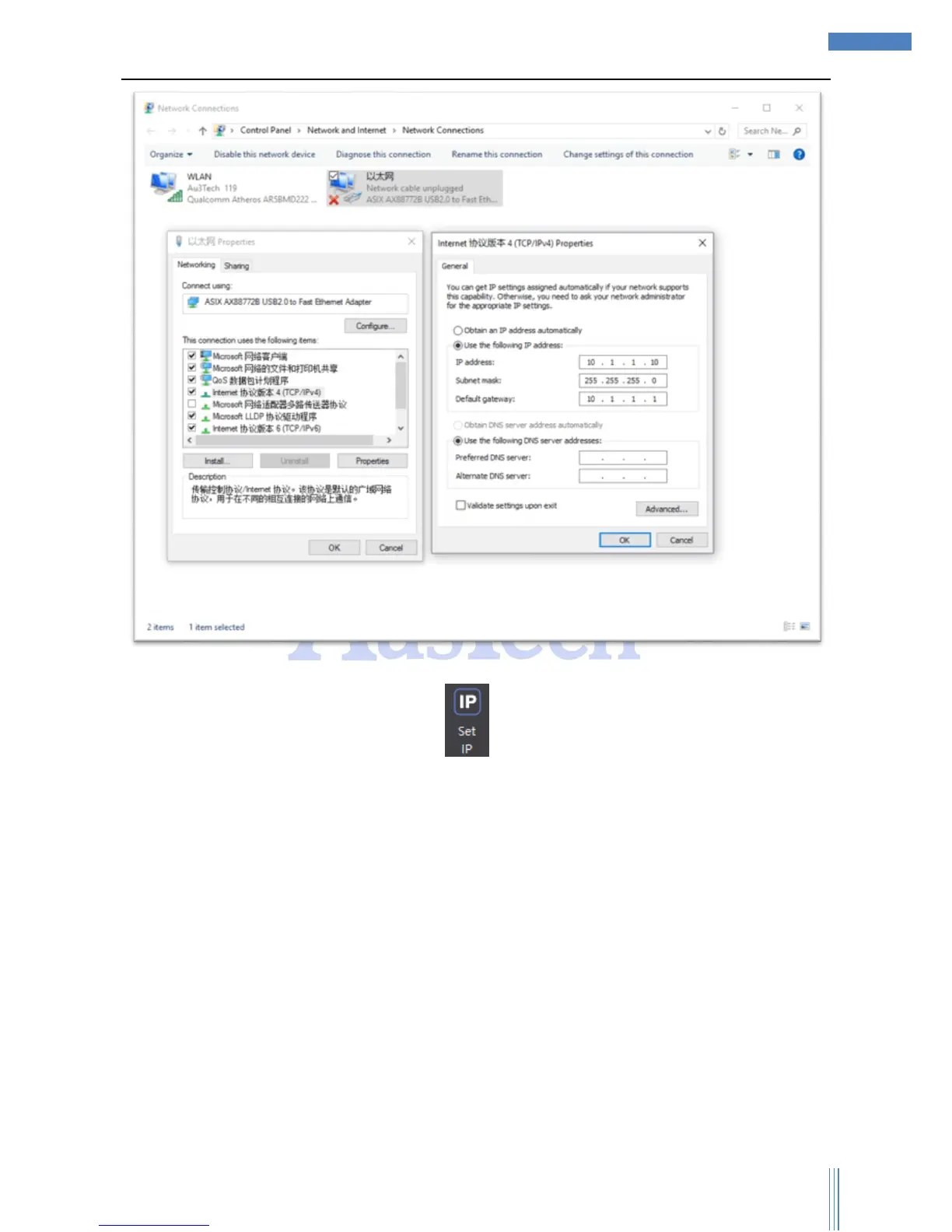
User can quickly set the computer’s IP by “ ”.
2) Please check the indicator light of the Ethernet port. If the indicator light normally on/off, which
means the communications is abnormal. User can check the network cable and try again. SC1000
supports crossed/cross-over cable.
3) when user use FTC91 capacitive height controller, please select “ADVANCED”->“Options”->“FTC”
Control Type -> “FTC91 Net”, if user use FTC61, please select “FTC61 IO”/“FTC61 PC Serial”.



 To Next Page