4. Check Connectivity
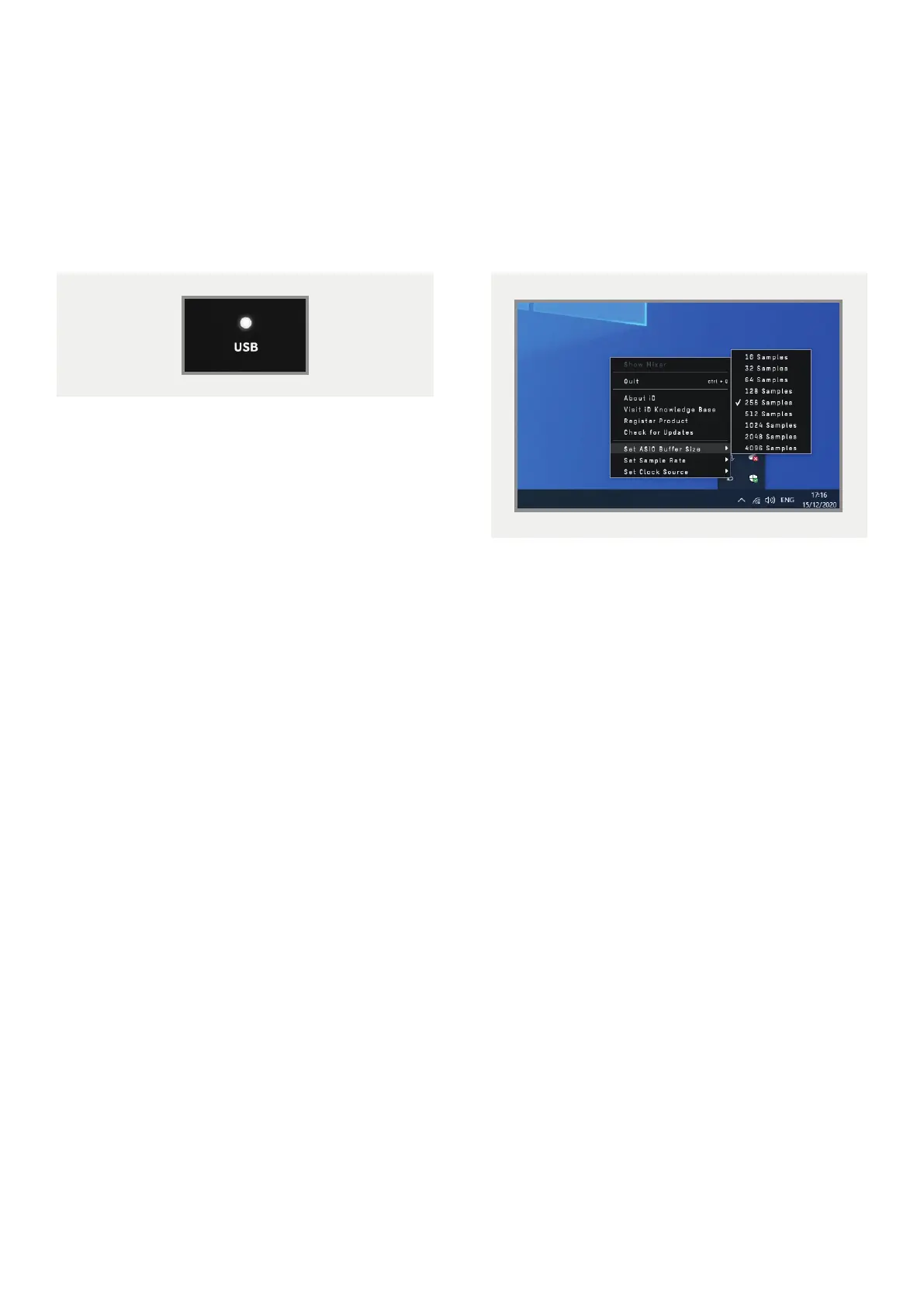
The USB status LED will illuminate as soon
as iD24 has achieved stable communication
and should remain solidly lit during operation
of the unit until power down.
To double check the connection, go to PC
sound settings by following:
PC Settings > Control Panel > Hardware and
Sound > Sound
Here you can make it the computer’s default
sound device by selecting the unit and clicking
“Set Default Device” on both the Playback
and Recording Tabs.
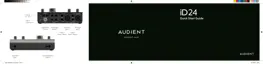
iD Icon
Once installed, the iD icon can be found in the
Windows system tray (it may be in the hidden
icons area):
• Double-click to open the iD24 mixer
window when iD24 is connected.
• Right-click to quit or change sample rate
and buer size.
For mixing, a buer size of 256 should be
perfect. For tracking, experiment with lower
buer size values.
Various factors including how powerful your
computer is, and how processor hungry your
project is, will aect how low you can get
the buer size settings before you get audio
instability.
More information on optimisation can be
found on our support site.
13



 To Next Page