24
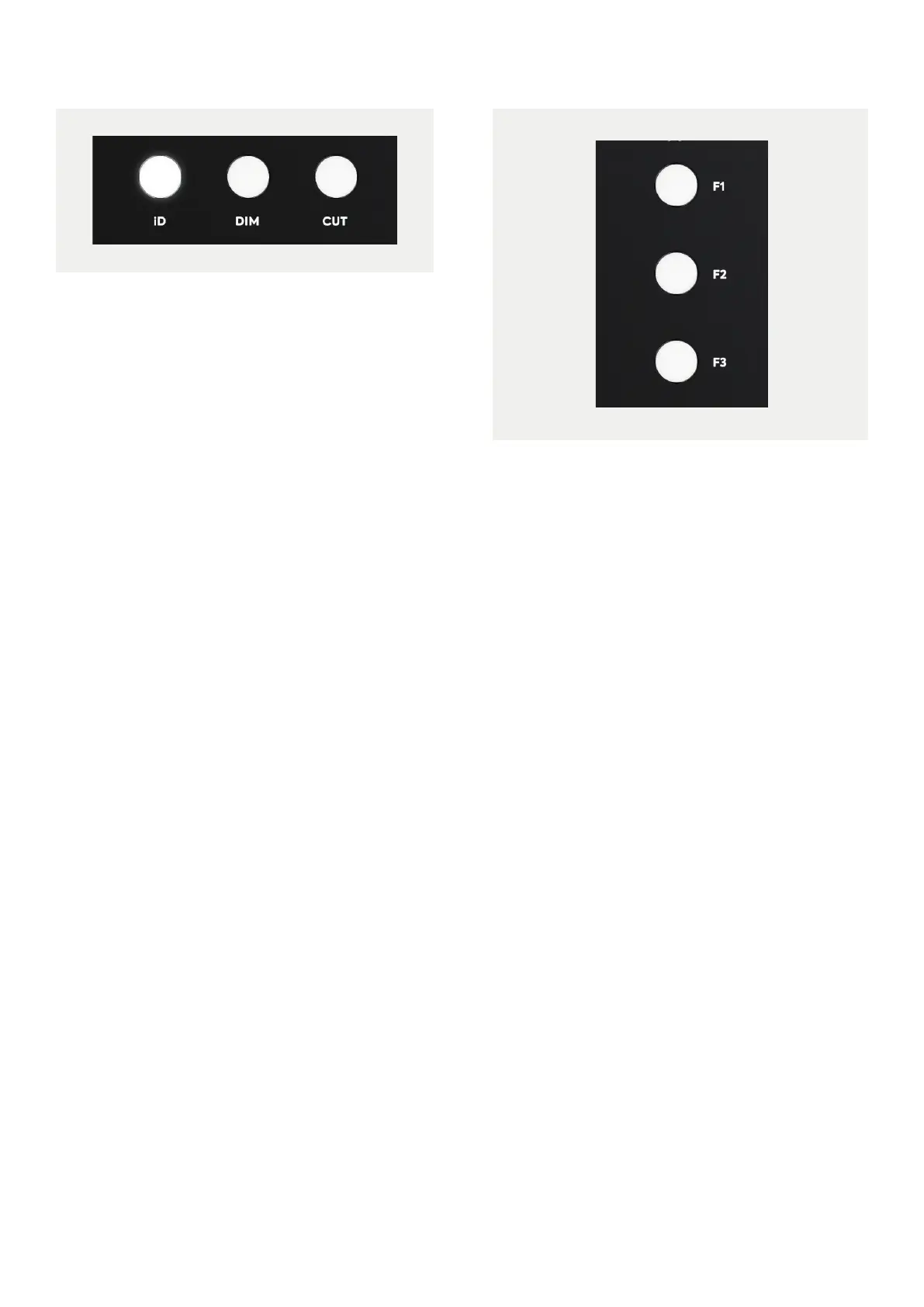
iD Button
The iD button is used to activate iD24’s
ScrollControl feature, which turns the encoder
into a virtual scroll wheel allowing you to
control compatible scrollable parameters
within your DAW or plugins.
Simply hover your mouse over a scroll enabled
parameter in your DAW and turn the encoder
on the interface to adjust that parameter.
Please note that this will not work on all DAWs
as it relies on the DAW to have scroll wheel
support.
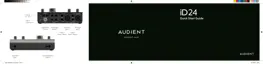
F-Keys
The three F buttons, F1, F2, and F3 are the
function keys and allow you to activate a
number of monitoring functions from the iD
Software Mixer. More information on how to
assign functions to the F-keys can be found
on page 32.
Monitor Controls
iD24 provides excellent monitor control
functionality using the large aluminium
volume control and the separate headphone
control. You also have dedicated DIM and
CUT buttons to either reduce the level by a
set amount, or to mute the speaker outputs
entirely.



 To Next Page