36
Talkback Source
The Talkback source allows the talkback input
to be taken from one of iD24’s internal inputs or
from an external device connected to the host
computer (such as a built-in microphone or
USB microphone).
When you select an internal input as your
Talkback channel, the corresponding channel
in the iD Software Mixer will be changed to a
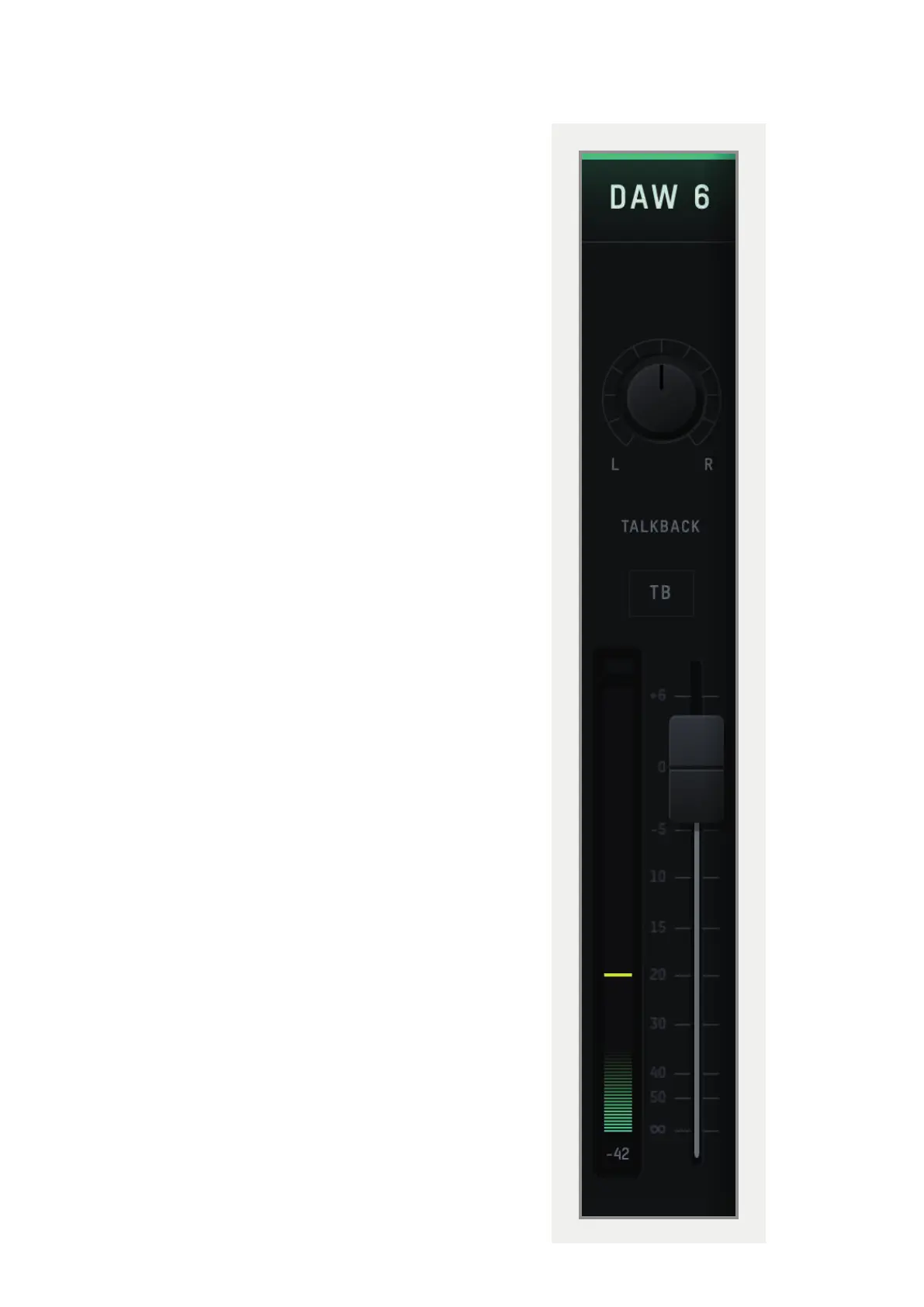
talkback channel which will have a TB button
in the centre. If using an external device, the
talkback signal will appear on channel DAW 6.
Talkback can be turned on or o by pressing
the TB button on that channel, the TB button in
the master section or using one of the F-keys if
assigned to the TB function.
The Talkback is only sent to the CUE mixes
as you would not want your talkback to
also playback through the Main Speakers.
Therefore, faders will only appear for the
Talkback channels on the Cue mixes, not on the
Main Mix.
Talkback Device
If an external device is selected then this allows
you to select which connected device is used.



 To Next Page