25
Status LED
The status LED indicates connection via USB
to your computer. A solidly lit light means that
there is stable communication between iD24
and your computer.
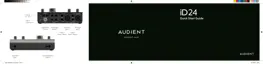
Kensington Lock
For those who work in educational
establishments or in situations where your
equipment is public facing and subject
to possible theft opportunities, we have
provided a Kensington lock hole to enable
you to protect your iD24.
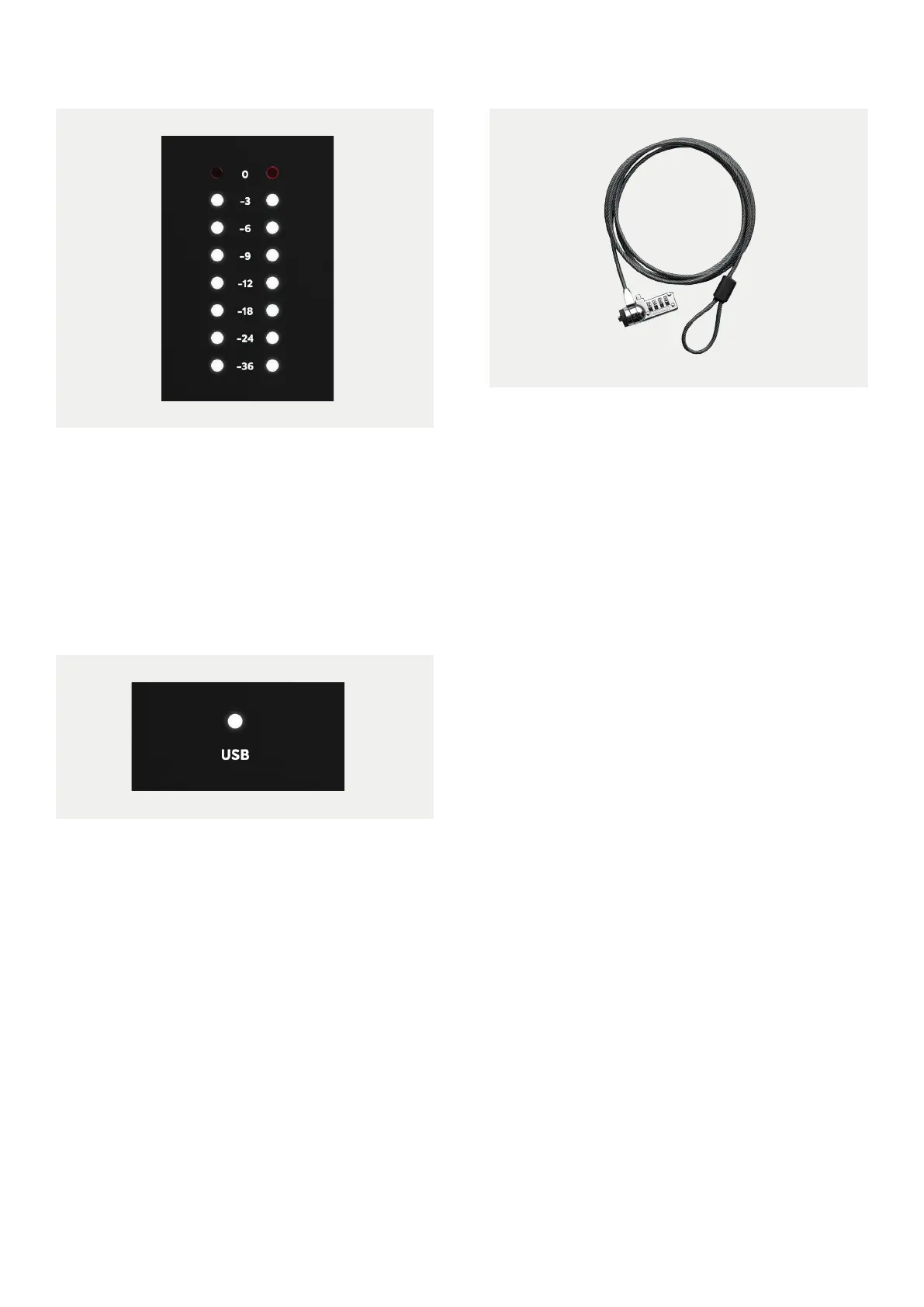
Hardware Metering
The 8-segment hardware meters indicate the
playback level of your Main Monitoring Mix in
the iD Software Mixer.



 To Next Page