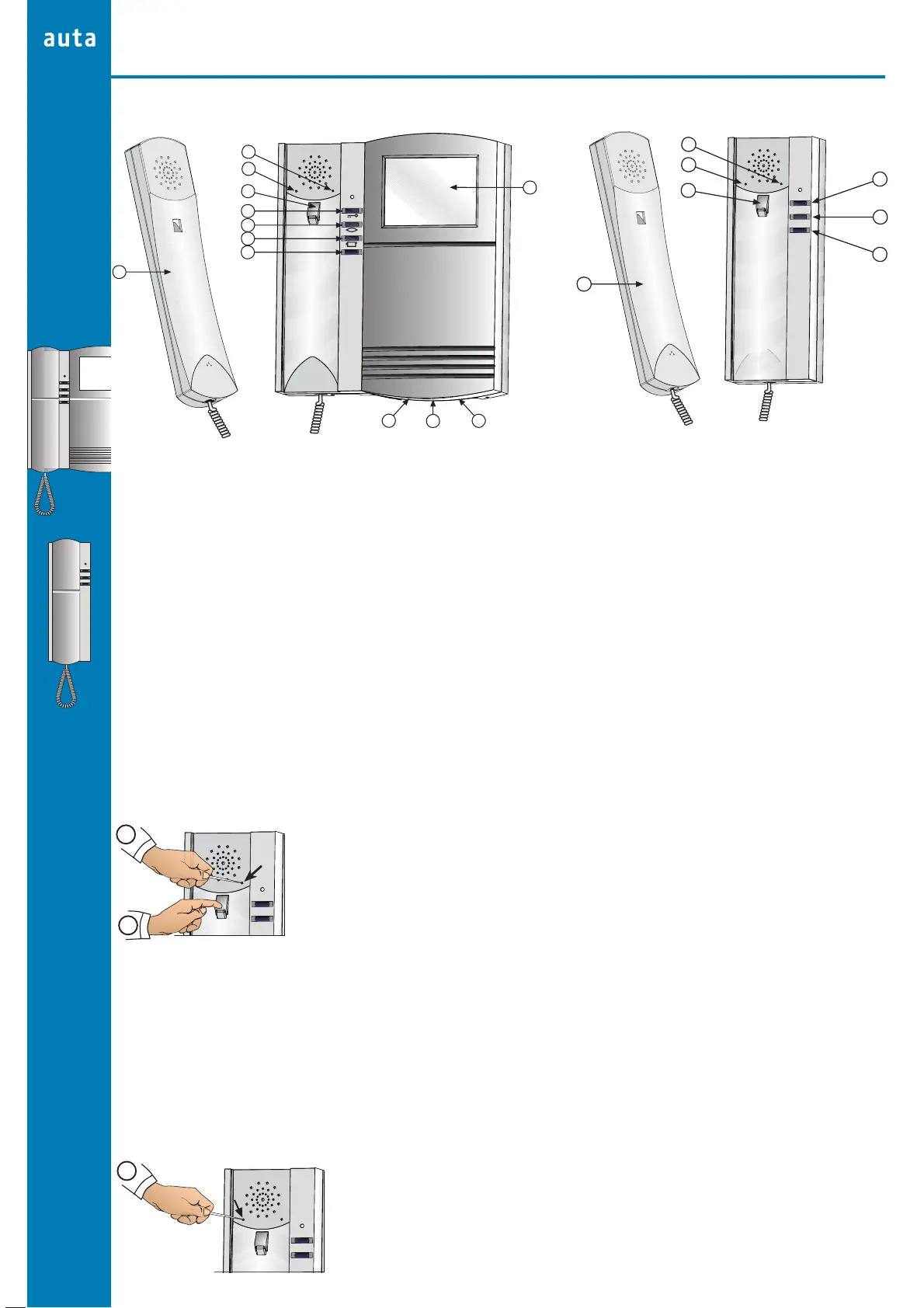
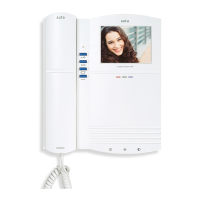
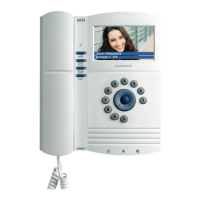
a Telephone handset
b Multitone
c Volume call
d Hook switch
e Door opener
f Self starting
g 2nd camera
h Auxiliary
i On-Off
j Brightness
k Contrast
l Display
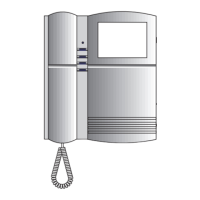
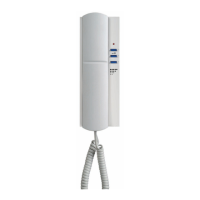
a Telephone handset
b Multitone
c Volume call
d Hook switch
e Door opener
f Self starting
g Auxiliary
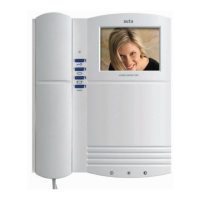
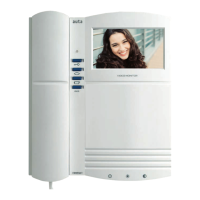
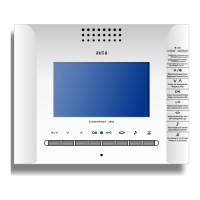
DIGITAL COMPACT MONITOR
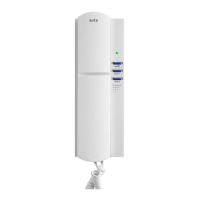
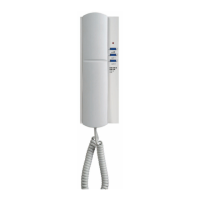
DIGITAL COMPACT PHONE
Description and Functioning
BASIC MODE
(See pages 4-5)
MELODY
The new digital COMPACT melody monitor phone includes a new selector of tones able to identify from where the monitor/phone is being
called. The monitor/phone can distinguish either the call from the external panel or the call from flat's bell.
Selection of the calling tone from the external panel
1º Pick up the handset and keep holding the hook switch
2º Push to change the calling tone in the monitor/phone
Selection of the tone from doorbell
1º
Pick up the handset
2º Push in the selected hole to change the tone in the monitor/phone
3º Press the hook swtch before 5 seconds to listen the selected tone (4 available tones)
Selection tone of the external panel
We can know which panel is making the call by 2 different tones in the monitor/phone
1º We have to configure the module of control with a even code (2,4,6,...) or with an odd code (1,3,5,...)
2º Select a calling code (Selection of the calling tone from external panel)
(Both avaiable tones are linked to another diferent tone when we are making a call from a secondary panel)
Volume adjust
1º
Press to change the volume (HI-LOW)
6
DIGITAL
10
MONITOR AND PHONE
MELODY
b
a
c
d
e
f
g
b
a
c
d
e
f
g
h
l
i
j
k
1º
2º
1º


 To Next Page