Video and phone installation. Push-button panels codification
DIGITAL
11
DIGITAL SYSTEM
CODIFICATION
1
1
DIGITAL SYSTEM CODIFICATION
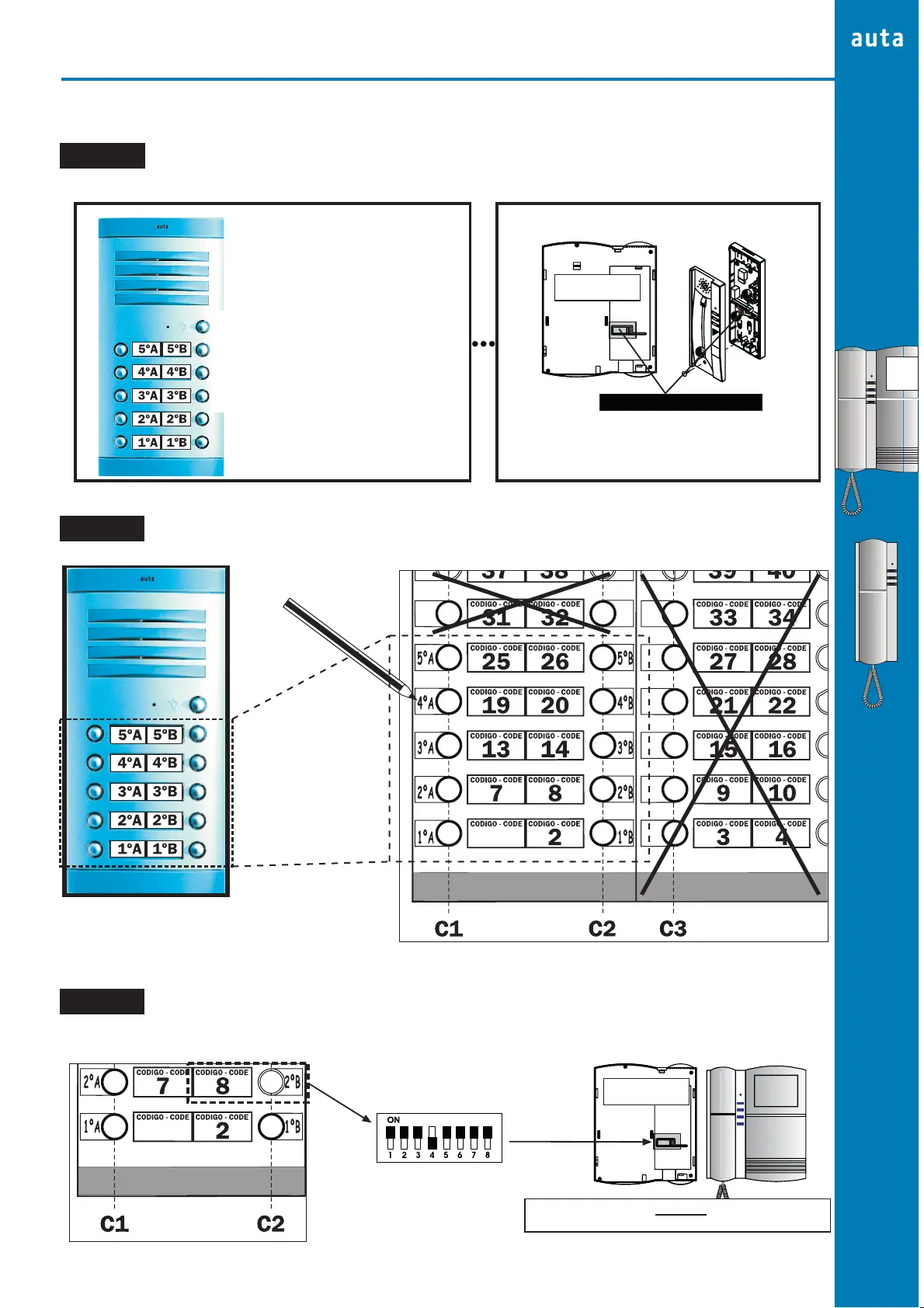
STEP 2
STEP 1
DIGITAL SYSTEM FUNCTIONING
HOW CAN I KNOW MY PUSH-BUTTON CODES
Put together the panel with the codes pattern and select only the push-buttons that we have in our external panel/s
STEP 3
MONITOR/PHONE CODIFICATION
Carry out the codes pattern to the flat and set up the codification switch at the monitor/phone with the same push-button code
EXTERNAL PANEL
EACH PUSH-BUTTON HAS ITS OWN
CALLING CODE
WHEN WE PRESS ONE PUSH-BUTTON
THE PANEL SEND THIS CODE AND
THE MONITOR/PHONE THAT WE
CONFIGURE WITH THIS CODE
ANSWERS THE CALL
CODIFICATION SWITCH
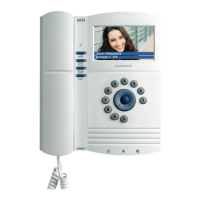
MONITOR
REAR VISION
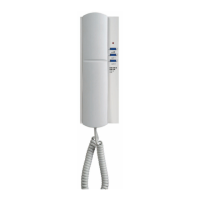
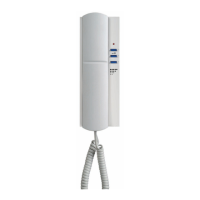
FLAT MONITOR/PHONE
FLAT MONITOR/PHONE ONLY COMMUNICATES
WHEN WE CONFIGURE IT WITH THE CORRECT
CODE
EXTERNAL PANEL
CODES PATTERN
WRITE IN THE CODES
PATTERN THE FLAT
NUMBER BESIDE ITS
PUSH-BUTTON
CODE 8
(SEE 12-13 PAGES)
MONITOR
REAR VISION
EXAMPLE
WE HAVE TO CODIFY CODE 8 IN THE FLAT 2ºB MONITOR
STEP 3


 To Next Page