100
History Notes
The History Notes function allows you to add audio and video records, text
notes and photos, for the associated customer account, helpful when dealing
with repeat customers. The note-keeping function is a good method to
organize customer and vehicle data. This option will display once a customer
record is filed.
To access History Notes
1. Tap Shop Manager on the MaxiSys Job Menu.
2. Select Customer Manager or Vehicle History.
3. Select a customer account by tapping the corresponding name card. A
Customer Information sheet displays (if Customer Manager is selected).
Or, select a vehicle history record to open the Historical vehicle record (if
Vehicle History is selected).
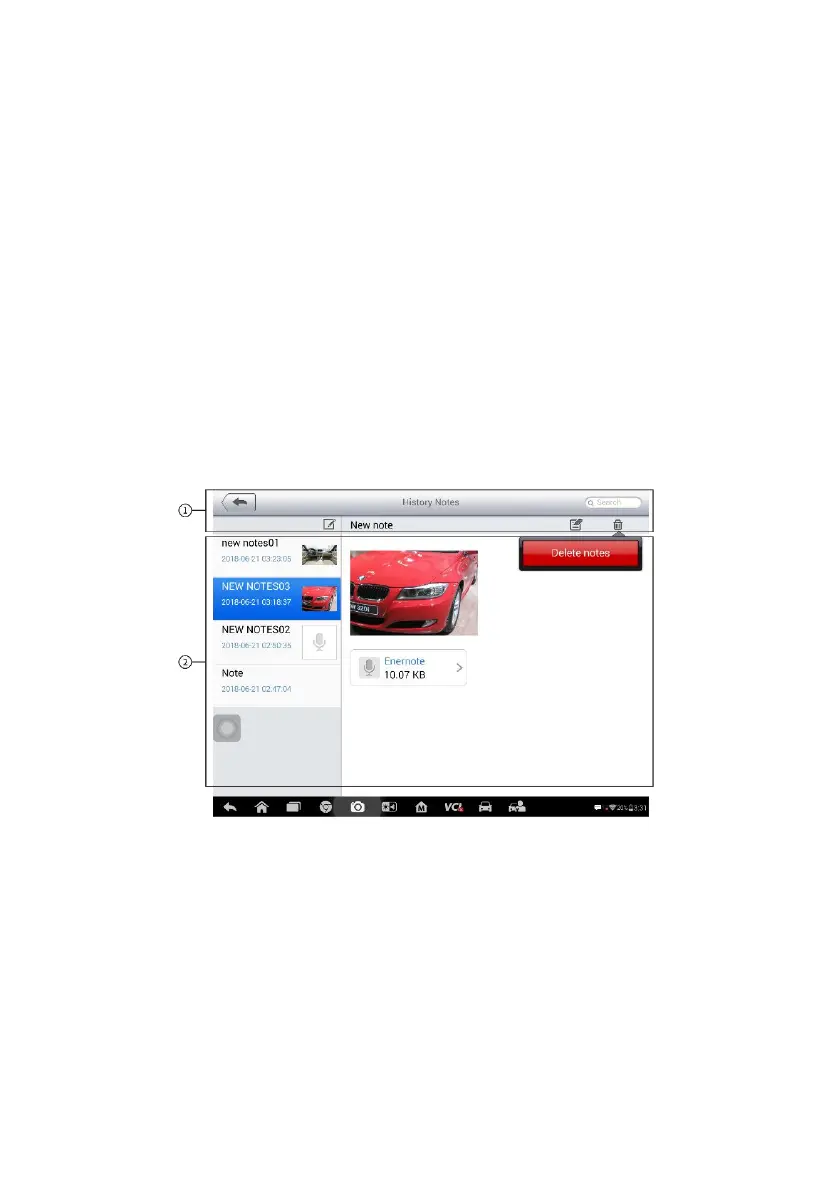
4. Tap the History Notes button on the top bar. The History Notes screen
displays.
Figure 13-4 Sample History Notes Screen
1. Functional Buttons – navigation and function controls.
2. Main Section – displays the note list on the left column and the detail
information of the selected note on the right column.














 To Next Page