14
the test procedure, or data that you need, through a series of choices and
questions. Detailed descriptions of the menu structures are found in the
chapters for each application.
Application Buttons
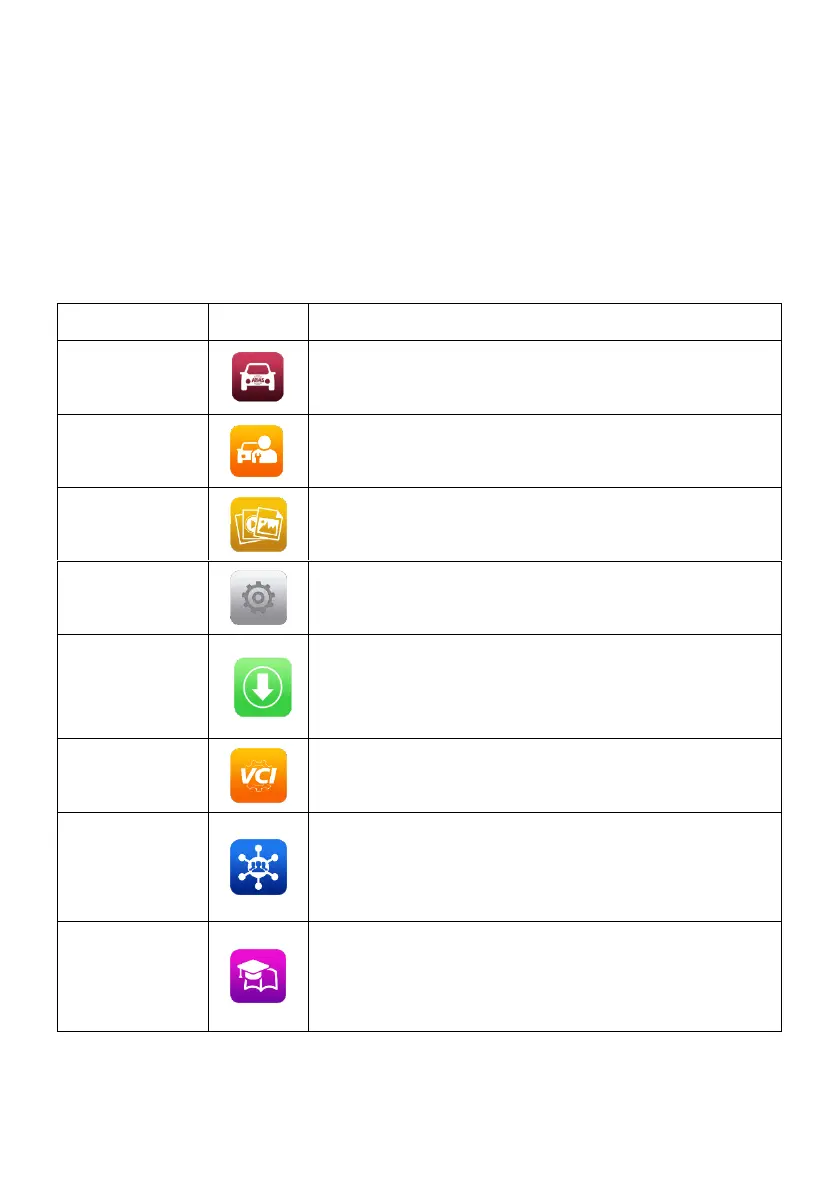
The table below briefly describes each of the applications in the MaxiSys
system.
Table 3-1 Applications
Accesses the unit’s diagnostics functions. See
Diagnostics on page 18.
Accesses special functions menu. See Service
on page 61 for details.
Accesses the organization system for saved
data files. See Data Manager on page 69.
Accesses the system settings menu and
general tablet menu. See Settings on page 73.
Accesses system software update menu. See
Update on page 79.
Accesses VCI connection menu. See VCI
Manager on page 81
Launches the Support platform that
synchronizes Autel’s on-line service base
station with the MaxiSys tablet. See Support on
page 84.
Accesses technical tutorials and training articles
about the device or vehicle diagnostic
techniques. See Academy on page 92 for
details.














 To Next Page