15
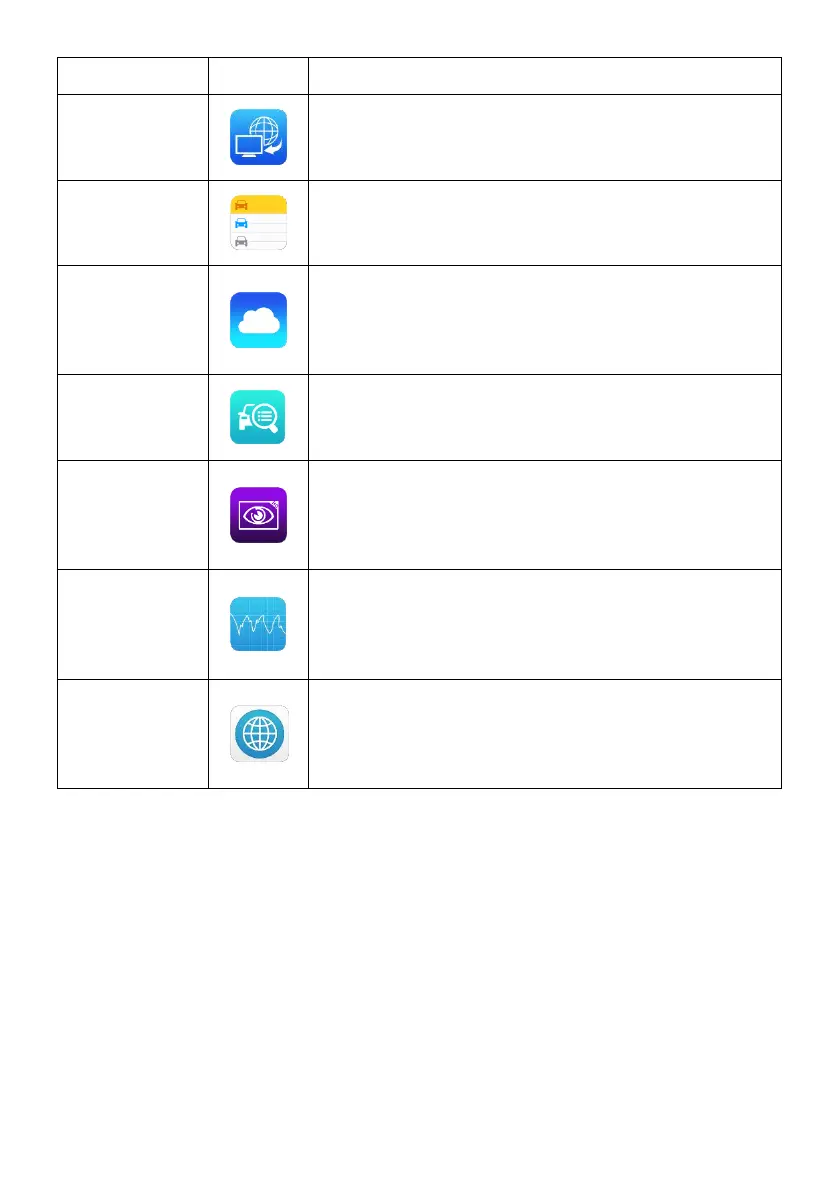
Configures your unit to receive remote support
using the TeamViewer application. See Remote
Desk on page 93.
Accesses Shop Manager database to store
workshop, consumer information and vehicle
test history. See Shop Manager on page 95.
Launches the MaxiFix platform that provides the
most compatible and abundant repair
techniques and diagnostics database. See
MaxiFix on page 102.
Provides a quick search for supported functions
and/or vehicles. See Function Viewer on page
111.
Configures the unit to operate as a video scope
device by connecting to an Imager head cable
for close vehicle inspections. See Digital
Inspection on page 113.
Configures the unit to operate as an automotive
oscilloscope to perform electrical and electronic
circuit tests and monitor signal activities. See
MaxiScope
on page
119.
Provides associated website bookmarks to
allow quick access to product update, service,
support and other information. See Quick Link
on page 120.














 To Next Page