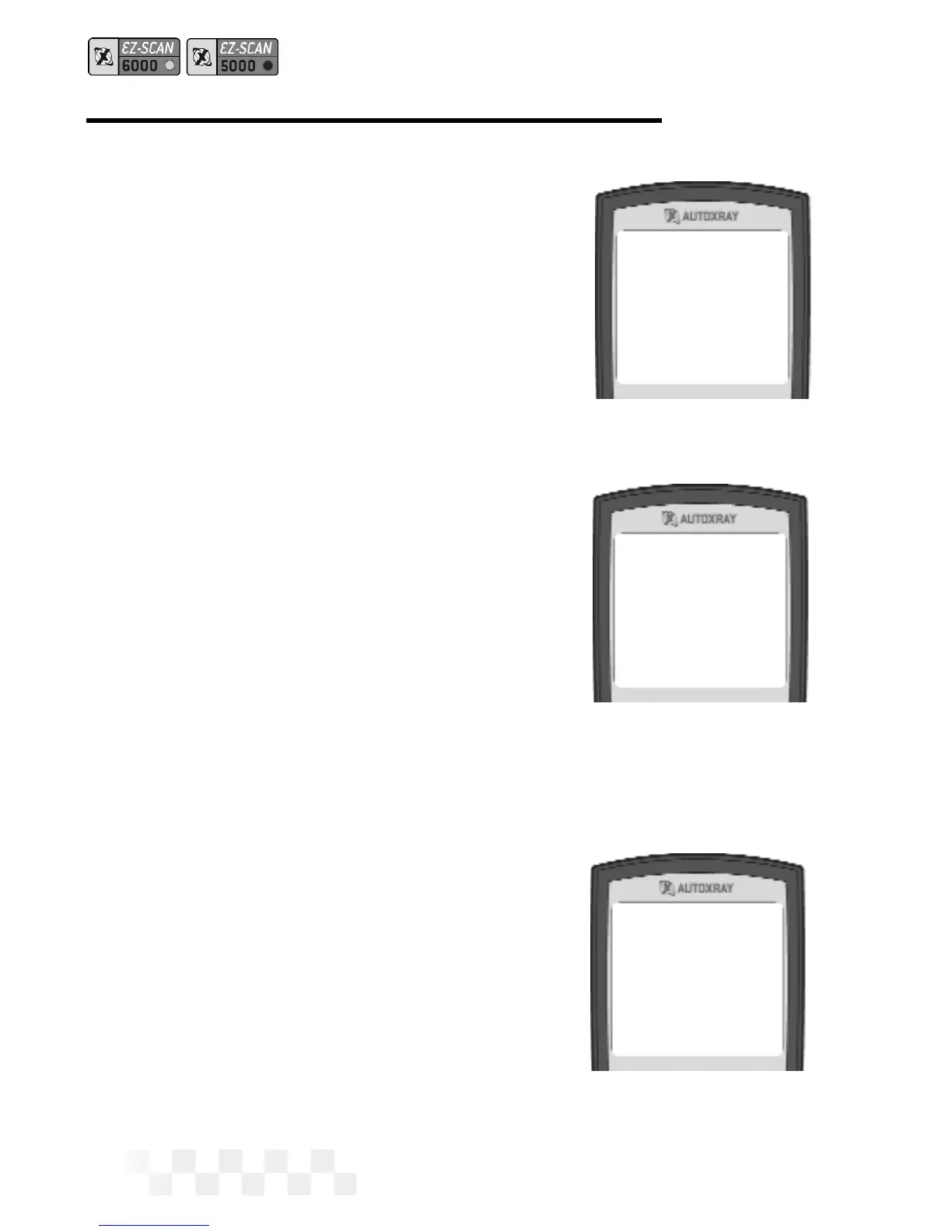
3. Connect the EZ-SCAN scan-
ner cable to the scanner and
to the vehicle EEC-IV comput-
er connector, then press
POWER to display the EZ-
SCAN scanner opening
screen.
4. Make sure the vehicle ignition
key has been OFF for at least
ten seconds after warm up.
Turn the ignition key to start
the engine, then press
SCAN.
• Vehicles that support
DCL will display a Scan
menu. Make sure
1-
KOEO/KOER Scan
is
highlighted, then press
ENTER.
5. When the scanner is ready to
scan the vehicle,
ENTER to
Scan
will be displayed on the
screen. Press
ENTER to start
scanning the vehicle comput-
er/sensors. (Pressing
SCAN
again will abort Scan mode
and display the opening
screen.)
6. Scanning Data will be
displayed while the vehicle
computer is scanned. A nor-
mal scan can take up to five
minutes.
Page 36
Enter to Scan
Scan to Exit
*Scanning Data*
Cylinders = 8
*Scanning Data*
Dynamic Response
SCAN THE KOER CODES - FORD (CONT.)



 To Next Page