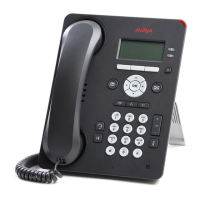
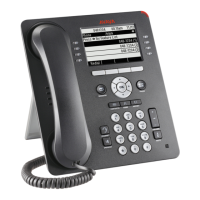
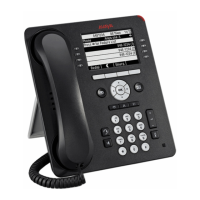
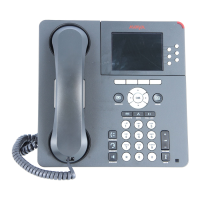
4. Select Phone or an attached button module as applicable.
5. Use the arrow keys to increase or decrease the brightness or contrast.
6. Press Save.
Setting the Return to Home Screen option
About this task
Use
this task if you want your deskphone to display the home screen after 10 minutes of being
idle. The default time is 10 minutes. Your administrator can change the default time to any
value between 0 and 30 minutes.
Procedure
1. Press Home.
2. Press Select to select Options & Settings > Screen & Sound Options > Return
to Home Screen.
3. Press Change to select one of the following:
• Yes: To turn the feature on.
• No: To turn the feature off.
4. Press Save.
Setting the text size
About this task
Use
this task to change the size of the text. The large text option is available only for the English
language.
Procedure
1. Press Home.
2. Press Select to select Options & Settings > Screen & Sound Options > Text
Size.
3. Press Change to select one of the following:
• Normal: To set the default text size.
• Large: To set the large text size.
Avaya Menu
28 Using Avaya 9608/9608G/9611G IP Deskphones SIP January 2014
Comments? infodev@avaya.com



 To Next Page