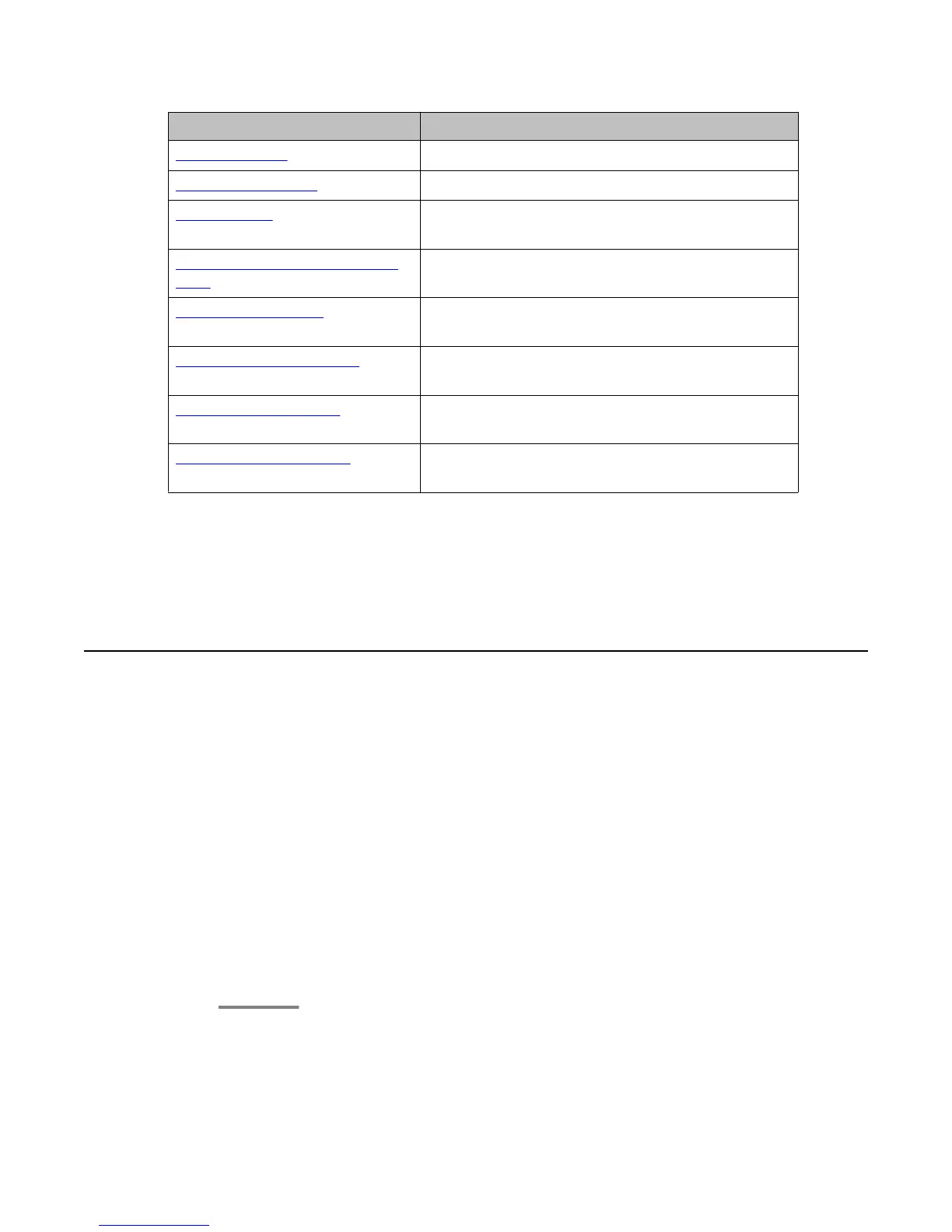
Feature Name Common Abbreviation
Recording a call on page
88 Audix Record
Making a priority call on page
88 Priority Call
Send All Calls on page
51 SendAllCalls, SAC, or SAC with a third-party's
extension, if applicable
Interrupting a call with a whisper
page on page 89
Whisper Act
Presence Information on page
91
Presence
Enhanced Call Forwarding on
page 53
ECF
Bridge Call Appearance on page
59
BCA
Hearing Aid Compatibility on
page 35
HAC
Note:
If you have personalized labels for any of the features available to you, the personalized
label displays instead of the feature abbreviations shown here.
Monitoring other extensions at a glance
About this task
If
your job requires that you cover or monitor phones for others, your system administrator may
set up “busy indicators” so that you can see whether an extension you cover is idle or busy at
a glance. Extensions you can monitor with busy indicators show the word “Busy” next to the
extension number.
Procedure
1. From the Phone screen, gain access to the System Numbers menu.
2. If necessary, scroll to the line button for the extension you want to check. If that
extension is in use, the busy indicator displays next to the word Busy.
3. To call a monitored extension, scroll to the applicable line and press the line button
associated with that extension.
Monitoring other extensions at a glance
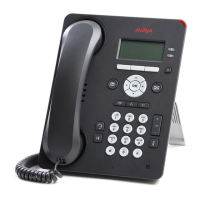
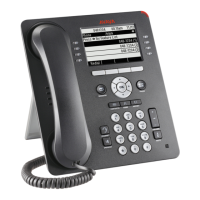
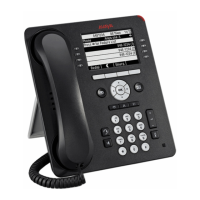
Using Avaya 9608/9608G/9611G IP Deskphones SIP January 2014 81




 To Next Page