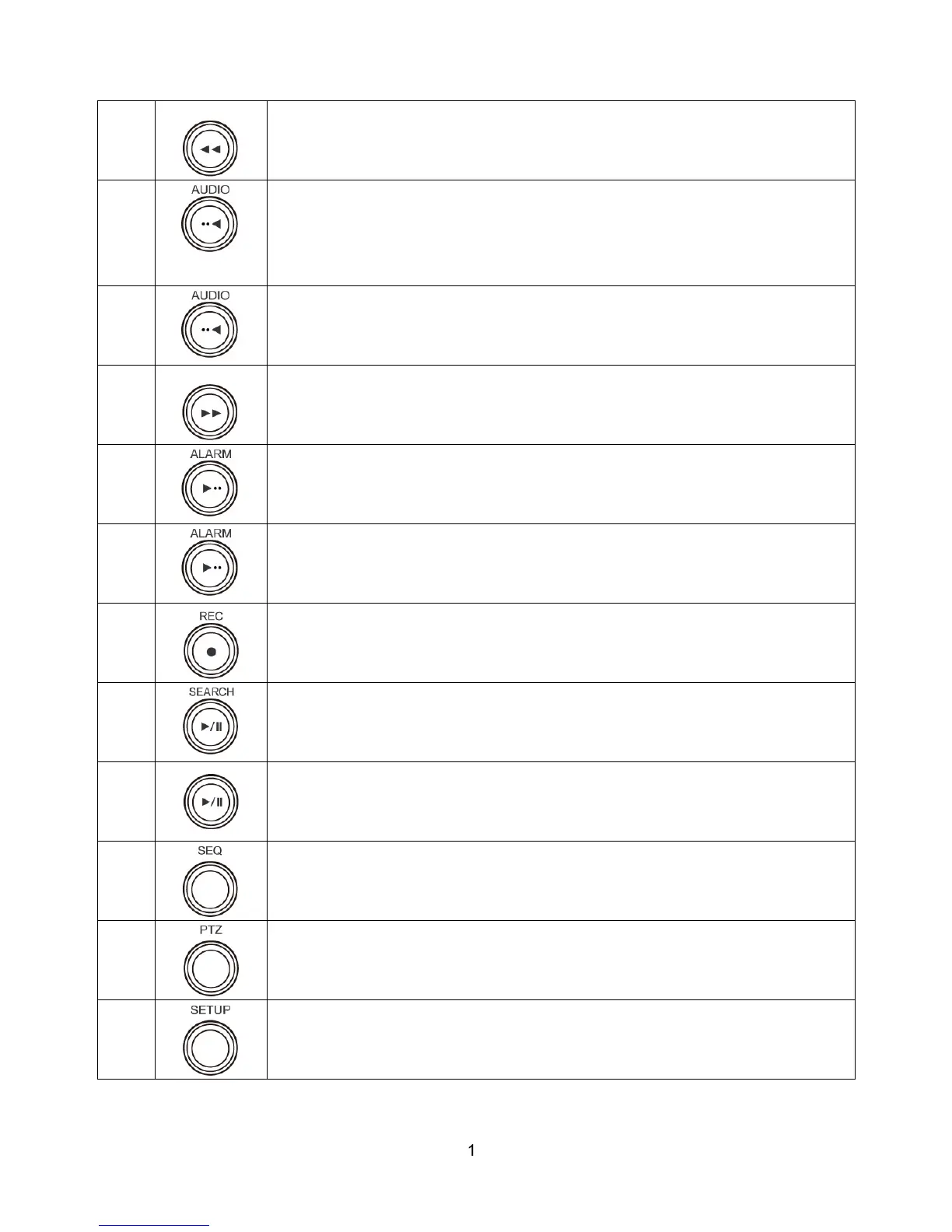
Press to rewind the footage in playback mode.
4
Press to select audio mode such as SINGLE, MIX and MUTE.
MUTE- All of 10 channels.
SINGLE- Highlighted channel only.
MIX- All of 10 channels.
4
Jump/Step backward. In playback mode, the playback position moves 60 seconds
backward.
5
Press to fast forward the footage in playback mode.
6
Press to enable/disable ALARM operation.
6
Jump/Step forward. In playback mode, the playback position moves 60 seconds
forward.
7
Press to start or stop manual recording.
8
Press to go to SEARCH menu in live display mode.
8
Press to play/pause the footage in playback mode.
9
Enable/disable the automatic sequence of display of channels in full screen, quad, 2+8
mixed channels display mode.
10
Press to control Pan/Tilt/Zoom operations.
11
Press to enter SETUP menu.



 To Next Page