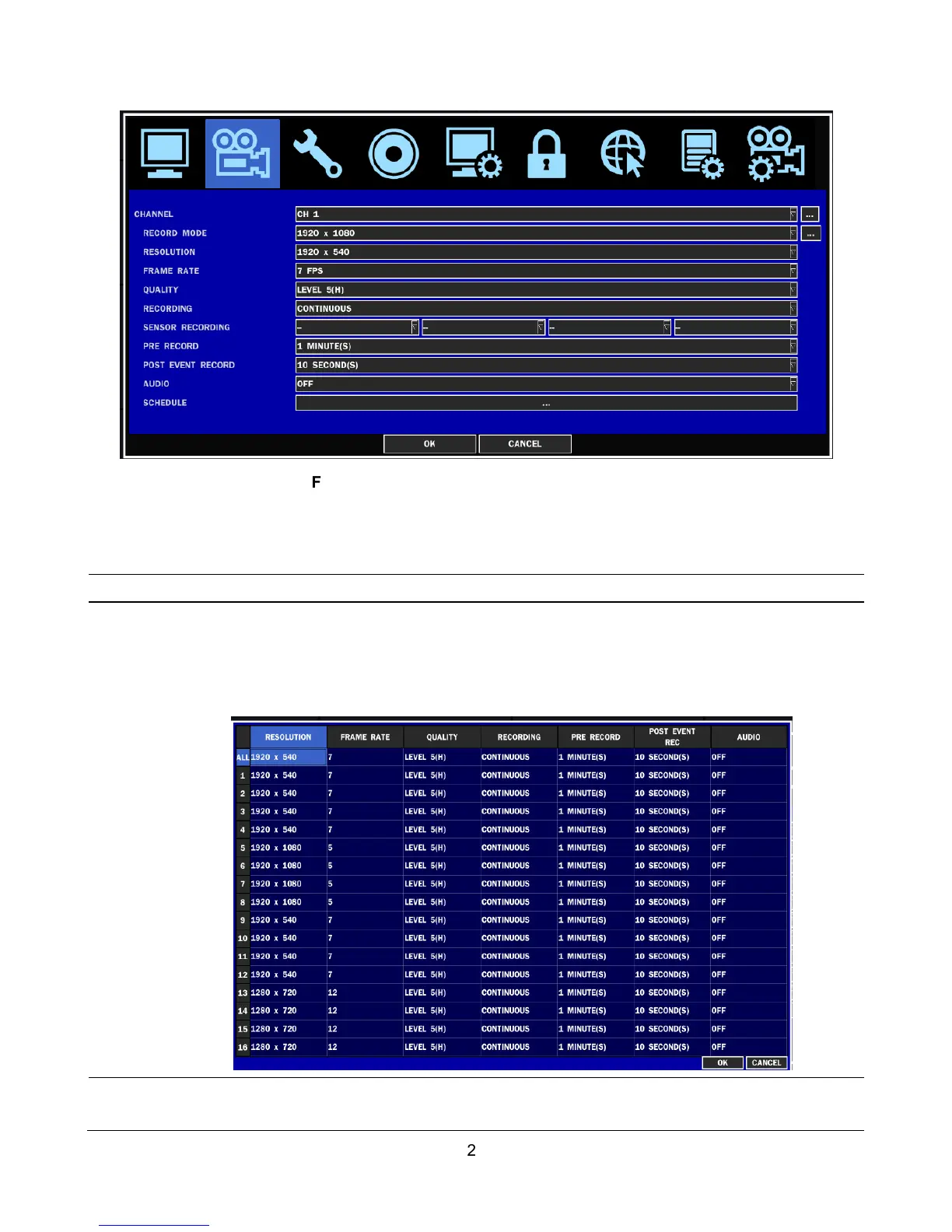
Figure 2.3.1. Recording mode setup screen
Table 2.3.1. Menu items in Recording mode setup
Menu item Description
CHANNEL
Select a channel for applying the following settings using the control button (
◀ ▲ ▶
▼
). Press SEL button to change the setting value of all channels at once. Once you
select an item, then press SEL to set value for all channels.
Use virtual keyboard for all setting on one screen as you want as bellow picture.
RECORD
MODE
This compact DVR has a record mode. Maximum recording frame rate per channel is
different by the record mode as follows.



 To Next Page