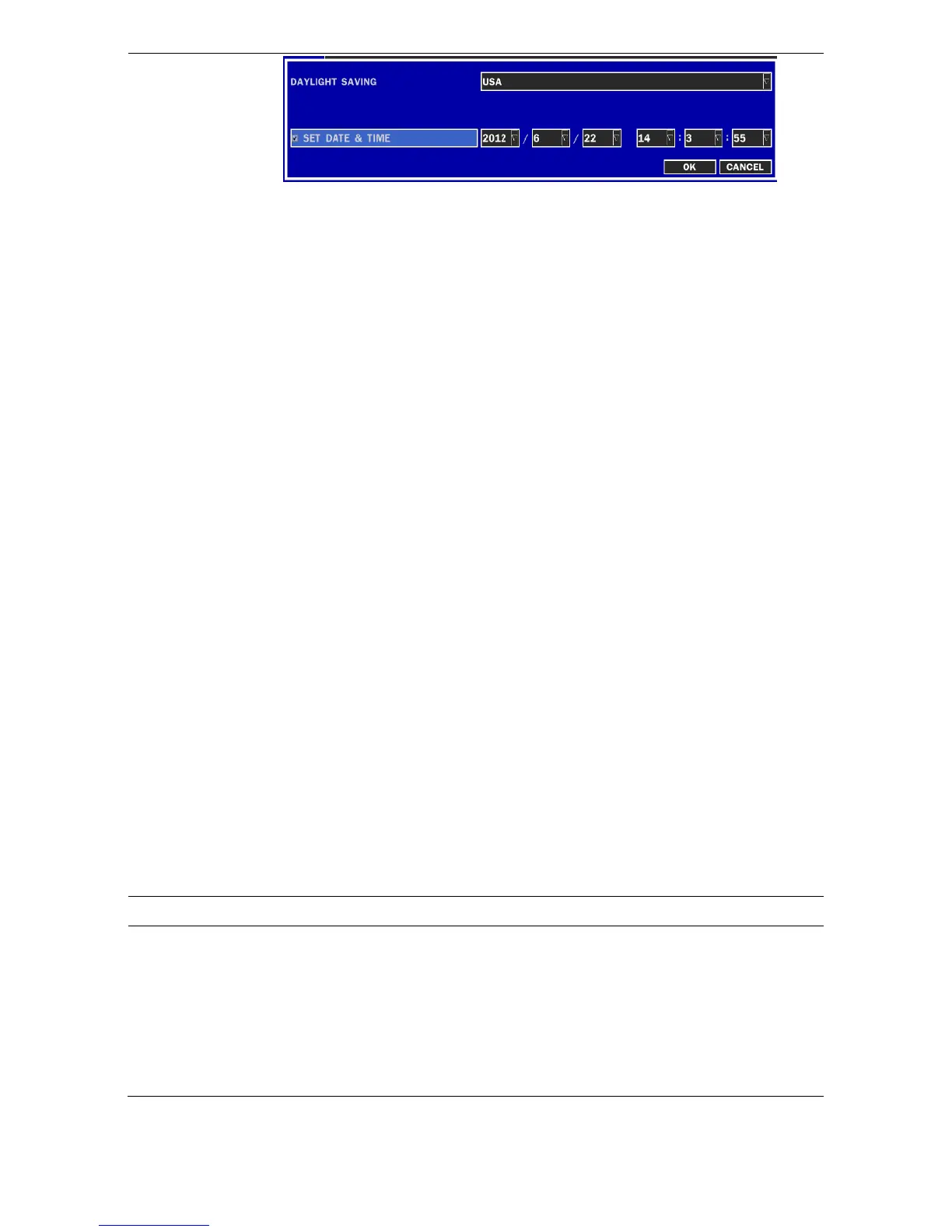
DAY LIGHT SAVING
Select DAYLIGHT SAVING using the mouse and the control button (
◀ ▲
▶ ▼
) on the remote control and select the appropriate daylight saving
time zone.
If choosing EU or OTHERS, set the applicable conditions.
The options are:
OFF
USA
EU
OTHERS
1. OFF: Daylight saving is not set.
2. USA: Applies the USA daylight saving time.
3. EU: Applies the EU daylight saving time.
- Select the GMT AREA using the control button (
◀ ▲ ▶ ▼
).
- Set the time difference with the standard time using the control
button (
◀ ▲ ▶ ▼
).
4. OTHERS: If the time zone is neither USA nor E, set the start and
end date of the daylight saving period.
- Select BEGIN or END using the control button (
◀ ▲ ▶ ▼
)
and press the SEL button.
- Select the item using the control button (
◀ ▲ ▶ ▼
), select
the setting value using the control button (
◀ ▲ ▶ ▼
) and
press the ESC button to return to SET DATE & TIME setup
menu.
CAUTION:
- Do not set the start time to 23:00 for DLS.
- DLS can’t be applied if the date of BEGIN and END is the same.
CLIENT ACCESS
Enable/Disable remote access through network client software.
NTP
NTP is an abbreviation for Network Time Protocol, which is for
synchronizing the clocks of computer systems over variable-latency data
networks.



 To Next Page