VENUE System Restore 23
Configuring S6L Master Touch Screen (MTS) and External Monitor
After installing the System Restore software on your S6L control surface, the touchscreen configuration wizard appears on the
MTS. Use the monitor you plan on using for the external VENUE software screen when configuring. You do not need to manually
configure Channel Touch Modules (CTMs).
To configure your screens:
1 Make sure your DVI monitor is connected to your S6L control surface and is powered-on.
2 Follow the on-screen prompts to configure your touchscreens. If prompted to press Enter, then press the Enter key on your key-
board.
3 Touch Accept to accept the Avid End User License Agreement for VENUE software. The Please Select Engine screen appears
on the MTS.
4 Proceed to S6L Network Connections.
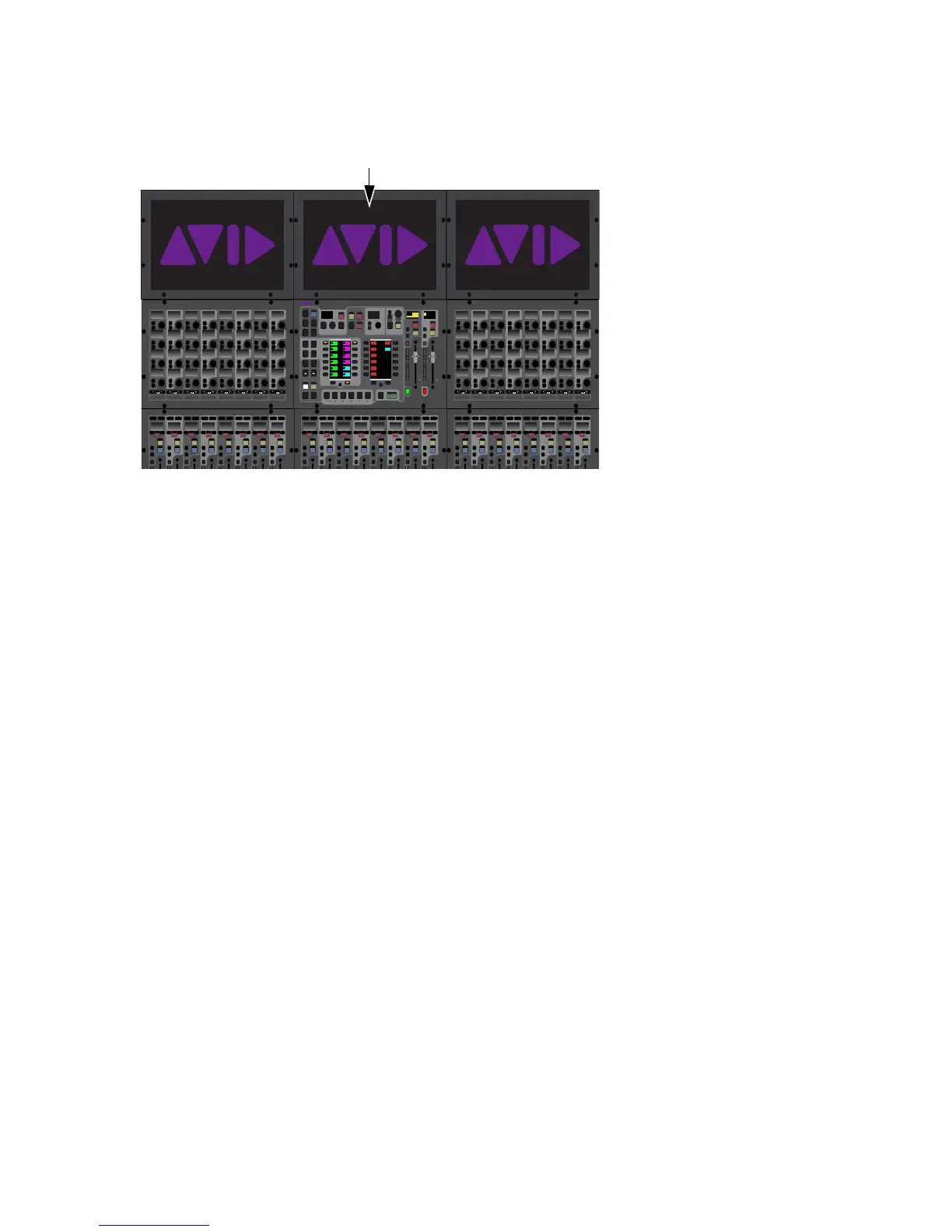
MTS on an S6L-24D
12 12
Select
Solo
Select
Solo
Select
Solo
Select
Solo
Select
Solo
Select
Solo
Select
Solo
Select
Solo
BAS
Menu Safe
Mute
Y
X
Y
X
Y
X
Y
X
Y
X
Y
X
Y
X
Y
X
BAS
Menu Safe
Mute
BAS
Menu Safe
Mute
BAS
Menu Safe
Mute
BAS
Menu Safe
Mute
BAS
Menu Safe
Mute
BAS
Menu Safe
Mute
BAS
Menu Safe
Mute
12 12 12 12 12 12 12 12
Select
Solo
Select
Solo
Select
Solo
Select
Solo
Select
Solo
Select
Solo
Select
Solo
Select
Solo
BAS
Menu Safe
Mute
Y
X
Y
X
Y
X
Y
X
Y
X
Y
X
Y
X
Y
X
BAS
Menu Safe
Mute
BAS
Menu Safe
Mute
BAS
Menu Safe
Mute
BAS
Menu Safe
Mute
BAS
Menu Safe
Mute
BAS
Menu Safe
Mute
BAS
Menu Safe
Mute
12 12 12 12 12 12 12 12
Select
Solo
Select
Solo
Select
Solo
Select
Solo
Select
Solo
Select
Solo
Select
Solo
Select
Solo
BAS
Menu Safe
Mute
Y
X
Y
X
Y
X
Y
X
Y
X
Y
X
Y
X
Y
X
BAS
Menu Safe
Mute
BAS
Menu Safe
Mute
BAS
Menu Safe
Mute
BAS
Menu Safe
Mute
BAS
Menu Safe
Mute
BAS
Menu Safe
Mute
BAS
Menu Safe
Mute
12 12 12 12 12 12
MIXMIXMIXPLUG-INSDYNAMICSEQINPUTCHANNEL
In
Sel
In
Sel
In
Sel
In
Sel
In
Sel
In
Sel
In
Sel
In
Sel
In
Sel
In
Sel
In
Sel
In
Sel
In
Sel
In
Sel
In
Sel
In
Sel
In
Sel
In
Sel
In
Sel
In
Sel
In
Sel
In
Sel
In
Sel
In
Sel
In
Sel
In
Sel
In
Sel
In
Sel
In
Sel
In
Sel
In
Sel
In
Sel
MIXMIXMIXPLUG-INSDYNAMICSEQINPUTCHANNEL
In
Sel
In
Sel
In
Sel
In
Sel
In
Sel
In
Sel
In
Sel
In
Sel
In
Sel
In
Sel
In
Sel
In
Sel
In
Sel
In
Sel
In
Sel
In
Sel
In
Sel
In
Sel
In
Sel
In
Sel
In
Sel
In
Sel
In
Sel
In
Sel
In
Sel
In
Sel
In
Sel
In
Sel
In
Sel
In
Sel
In
Sel
In
Sel
VENUE | S6L
Solo Solo
Home Config
VCAs
Outputs
Layouts
Inputs
Flip
Recall
Trans
F1 F2 F3 F4 F5
NEXT
PREV
Store
Y
X
Y
X
AFL
Dim
In
Sel
SNAPSHOTS
Talk
Back
Multi
Select
Encoder
Assign
Select
Clear
Tap
Tempo
Multi
Assgn
Default Fine
OK Cancel
Over
Write
Mix to
Mon
Solo
Clear
60
40
30
20
10
5
0
6
12
60
40
30
20
10
5
0
6
12
8All
Preview
ASSIGNABLE ENCODER MONITORING
Push A/BHold SIP
SHIFT
ALT
CTRL
ESC
Mute Mute
A
B
Nom
30
21
15
9
3
0
3
9
15
30
21
15
9
3
0
3
9
15
Inputs/Outputs
Next
Global Controls
0.0 dB
L
Left
0.0 dB
Kick
Mute Group 1
Mute Group
Function KeysMute Group 2
Mute Group 3
Mute Group 4
Mute Group 5
Mute Group 6
M1
M2
M3
M4
M5
M6
0
01/011
reset all inputs
0.0 dB
CH 1
Kick
Ch 1-16
1-16
Aux 1-8
1-8
Aux 9-16
Aux 17-24
Aux 25-32
25-32
VCA 1-8
1-8
VCA 9-16
9-16
Ch 17-32
17-32 9-16
Ch 33-48
33-48 17-24
Ch 49-64
49-64
Ch 65-80
65-80
Ch 81-96
81-96



 To Next Page