S6L Network Connections 33
Example Configurations
The following pages provide are a few example configuration diagrams with step-by-step connection instructions.
To connect your system:
1 Make sure all devices (S6L control surface, E6L engine, and Stage I/O unit(s)) are powered off.
2 Use the table, below, to find an example configuration that best matches your system and follow those instructions to make S6L
network connections between devices.
For additional configuration diagrams, see
Day to Day Powering Up and Down.
3 After making S6L network connections, proceed to Powering the System Up and Down.
Supported Audio Network Configurations
Configurations
(click for instructions)
Stage Inputs
(max)
Stage Outputs
(max)
AVB-192 Cards
(required
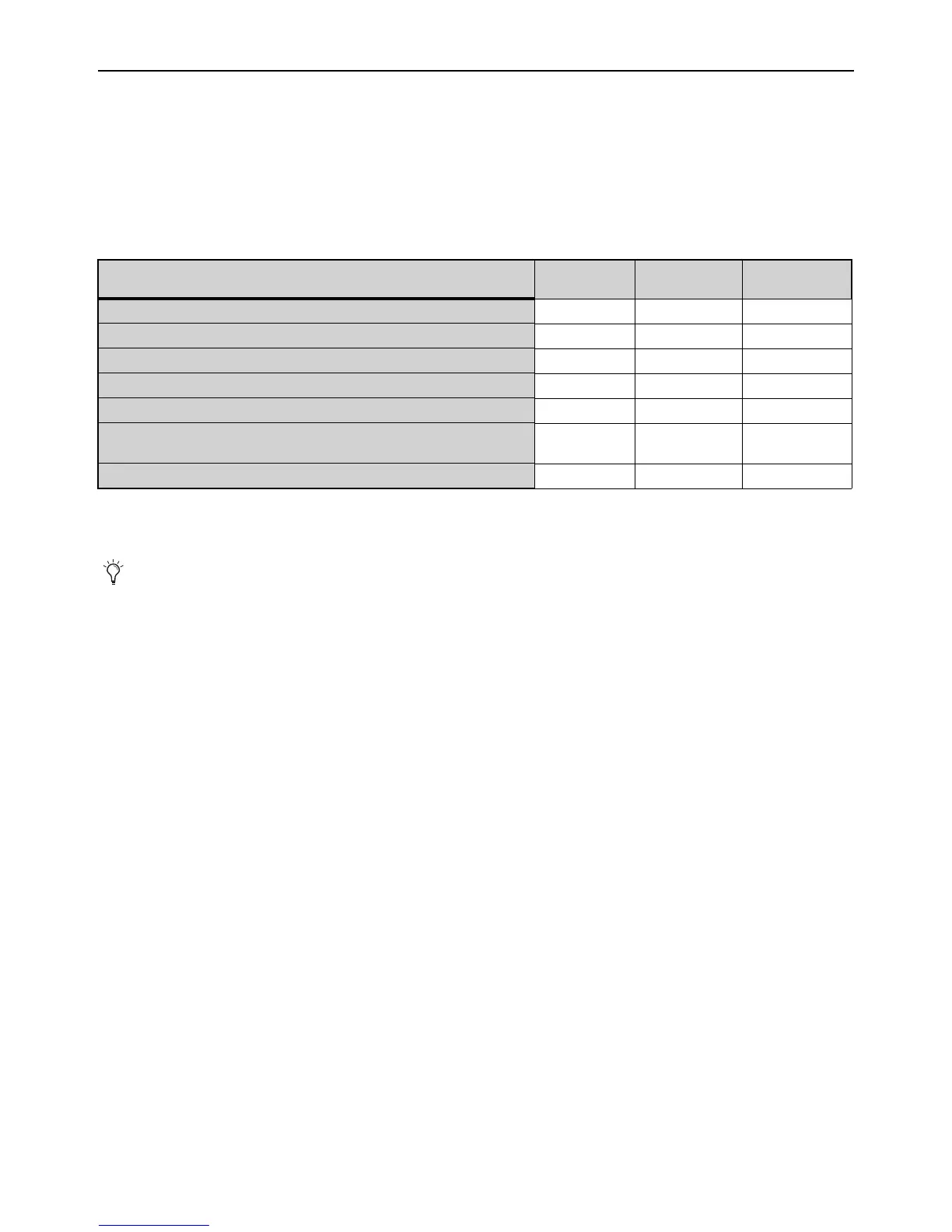
Example 1: Basic Single System 64 32 1
Example 2: Single System with 2x Stage I/O units 96 64 1
Example 3: Single System Expanded I/O (Stage 64s) 192 96 2
Example 4: Single System Expanded I/O (Stage 16s) 48 36 2
Example 5: Single System Expanded I/O (Stage 32s and Stage 16s) 112 64 2
Example 6: Single System Expanded I/O (Mixed Stage I/O and
Local 16)
112 64 2
Example 7: Dual Systems for I/O Sharing 192 96 2 (in both E6Ls)
If multiple Pro Tools systems are present, Avid recommends that you first connect, power on, and configure S6L system devices
before making
Optional Connections for Pro Tools and ECx Ethernet Control.



 To Next Page