Powering Up and Configuring the System 48
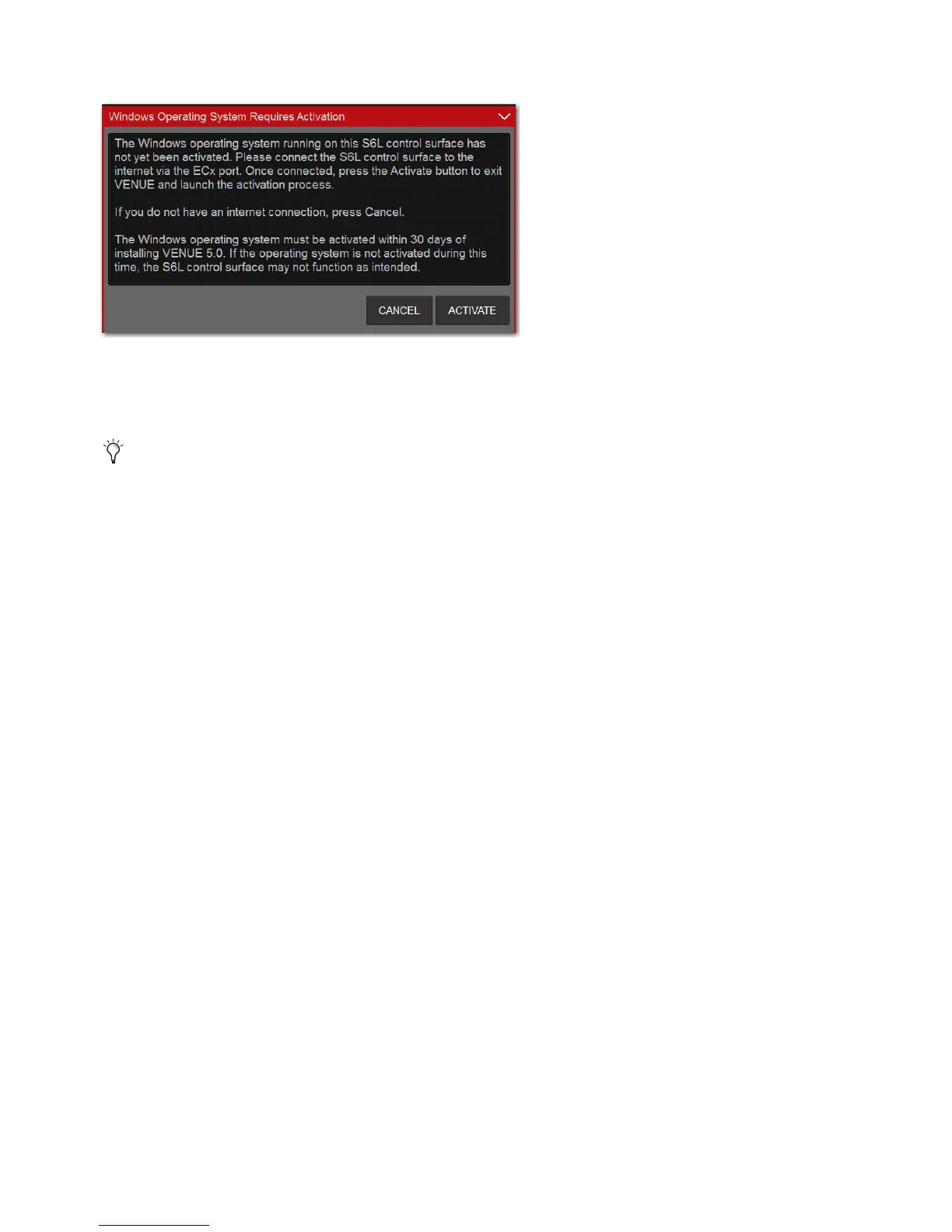
2 In the on-screen dialog prompting you to authorize Windows, tap Activate.
3 Follow the on-screen instructions to activate Windows.
Windows Activation is complete when “Product activated successfully. Press any key to continue...” appears in the activation
window on-screen.
4 Disconnect the Ethernet cable from the ECx port.
5 Proceed to Enabling Config Mode.
Windows activation dialog
If the activation fails, confirm your Internet connection and attempt to activate when the Activation dialog reappears.



 To Next Page