IFD500 Series Pilot Guide
3-20 FMS Subsystem
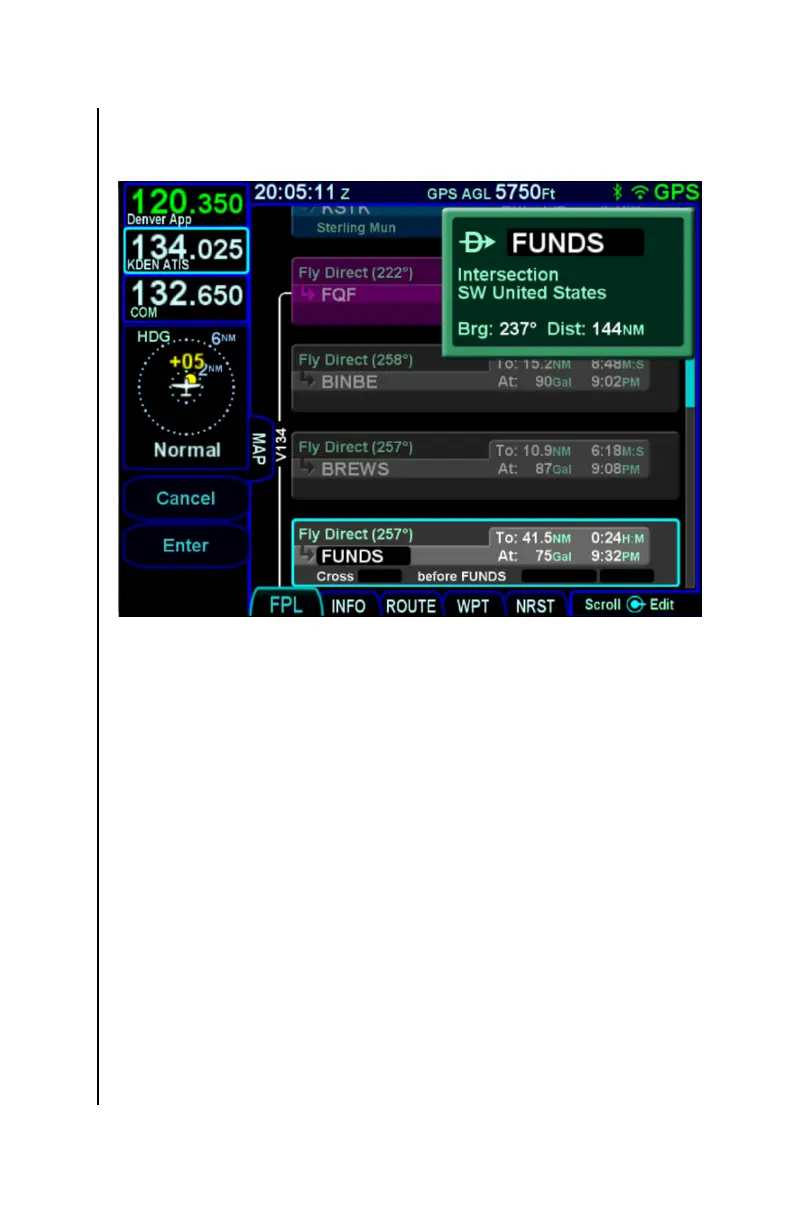
Direct-To Dialog Box
At this point, if desired, the waypoint identifier can be changed
using several methods:
Manual touch - Touch the identifier field in the dialog box
to manually change the identifier. Use the virtual
keyboard to directly enter the identifier.
Manual knob - Turn or push the right inner knob. A
cursor will appear in the field. Turn the inner knob to
change characters and turn the outer knob to change
cursor position.
Scrolling - Turn the right outer knob. With each click of
the knob, the cursor will be populated with the next or
previous item in the list being shown (e.g. the flight plan,
the nearest list).
Once the desired waypoint identifier has been entered, accept the
entry to display a confirmation dialog saying "Activate Direct To"
and the selected identifier. Touch the dialog box, press ENTR, or



 To Next Page