IFD500 Series Pilot Guide
5-78 Aux Subsystem
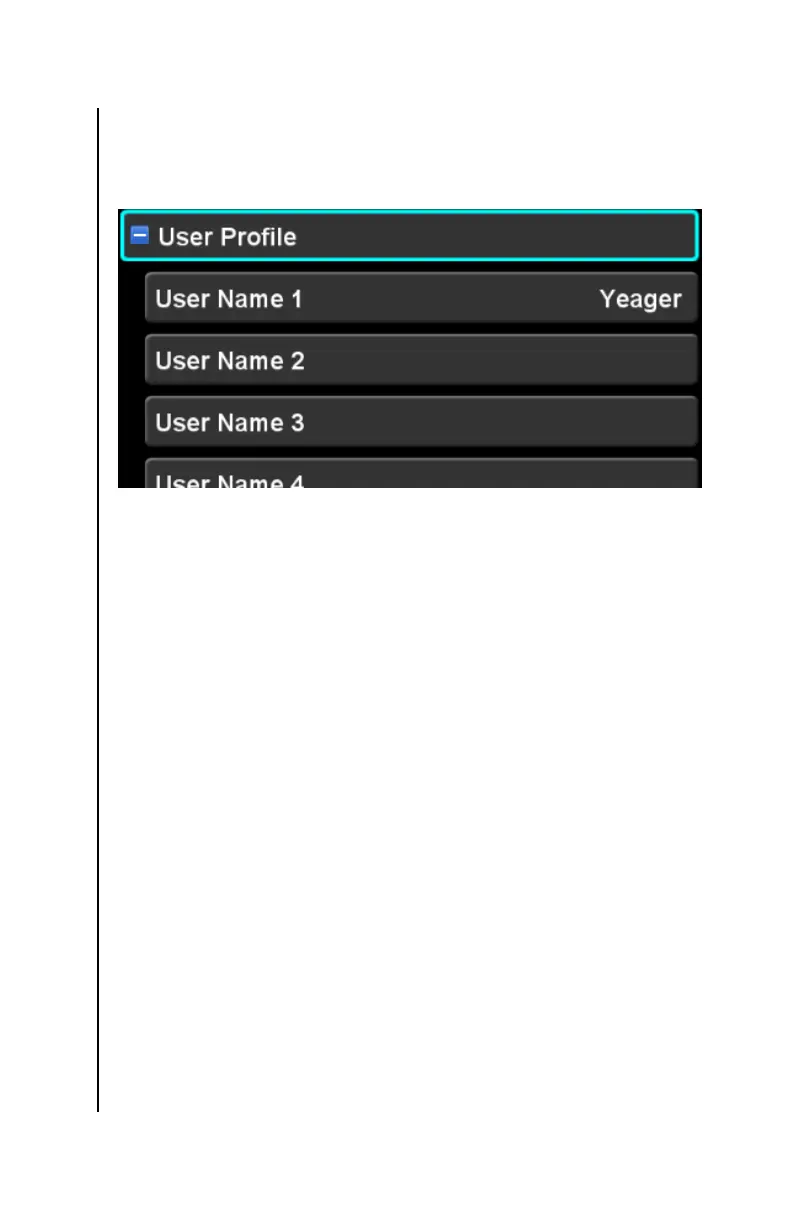
USER PROFILE CATEGORY
Settings in this category define names for each of the several
user profiles.
The IFD is capable of storing up to ten sets of setup options, each
set stored in a separate “user profile”. Each user profile can be
named. This feature can be very useful in situations where an
aircraft is shared among several pilots and each pilot has different
preferences for viewing data on and interacting with the IFD.
Another useful scenario is for a single pilot to have one profile for
VFR flights and another profile for IFR flights.
From the factory, a single user named “User-1” is defined. If no
other profiles are created, all settings will be associated with that
user. The name of any profile can be changed using normal
editing techniques, and the name is displayed on the right side of
the row.
Changing the name of a user profile, however, does not change
any of the settings associated with that profile. In order to change
the settings for a profile, the profile must first be selected. At that
point, all further settings will be associated with that profile, until a
different profile is selected.
The “User” LSK is used to select among the defined profiles. If
there is only a single profile defined, the LSK will not be shown
and the defined profile is considered the “selected profile”. If
more than one profile is defined, however, successive presses of
the “User” LSK will cycle through each of those profiles and the
system will be configured to use settings associated with that



 To Next Page