IFD500 Series Pilot Guide
5-88 Aux Subsystem
SYSTEM STATUS
The “Status” LSK is a multiple state LSK that provides access to
software status page, weather datalink status page (if datalink is
installed and properly configured), GPS status page, and the IFD
databases status page. Pushing the adjacent bezel key or
touching the label soft key will cycle through the various status
pages.
Software Status Page
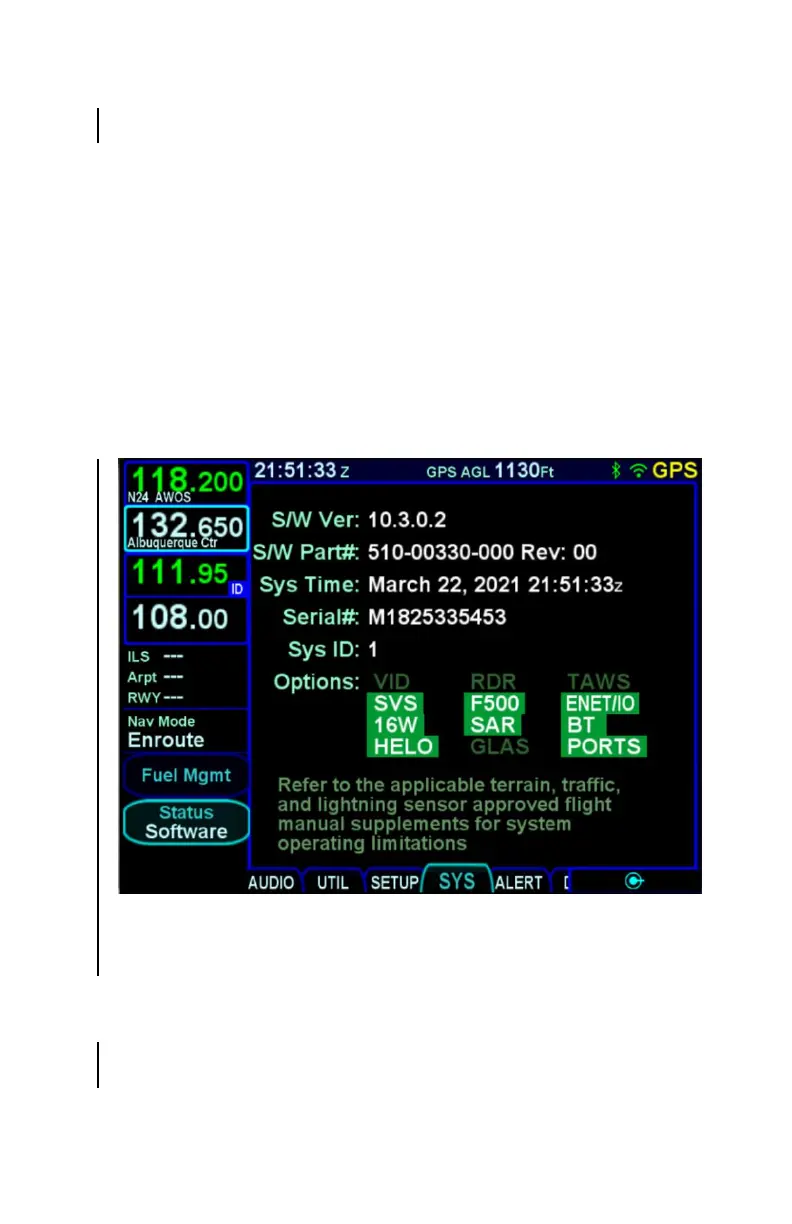
The “Software” selection will present the top level software part
number information and some system-level parameters which
can be useful during service calls and IFD feature descriptions.
Software Status Page
When the aircraft is not airborne, the Software Status Page will
also show a “Download Logs” LSK. Pressing that LSK will put
the IFD into Maintenance Mode where the datalogs can be
downloaded (see page 7-68 for instructions).
The software status page also shows whether IFD options are
enabled. Some of the options are standard, but others require a



 To Next Page