IFD500 Series Pilot Guide
FMS Subsystem 3-57
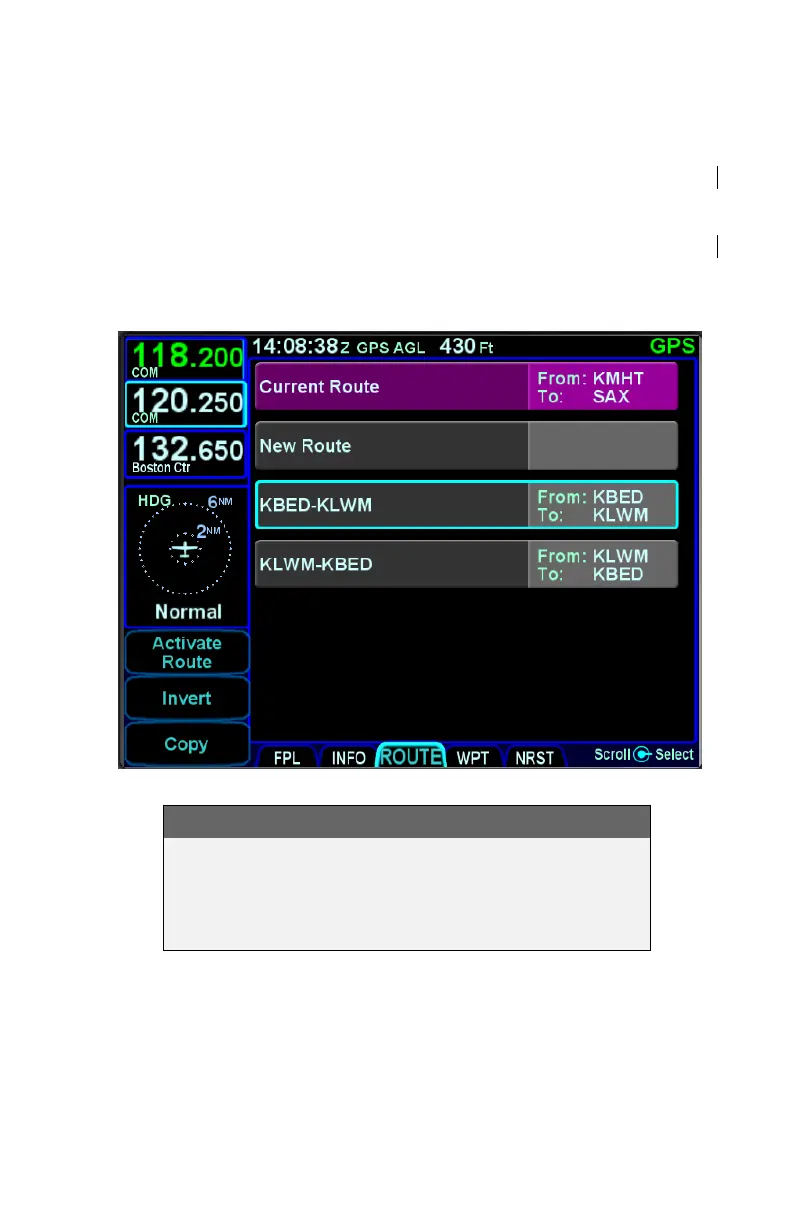
DELETING A ROUTE
To delete a stored route, move the cursor to surround the route to
be deleted, and then press the CLR key along the right edge of
the display. A confirmation dialog box will then be displayed
saying "Delete <name of flight plan>”. Confirm the deletion by
either touching the dialog box or pressing the “ENTR” key along
the right edge of the display.
Deleting a Route
COOL FEATURE
The flight plan can be deleted by moving the cursor
to surround the "Current Route" row, then pressing
the CLR key. The IFD will return to an empty FPL
page.



 To Next Page