IFD500 Series Pilot Guide
5-68 Aux Subsystem
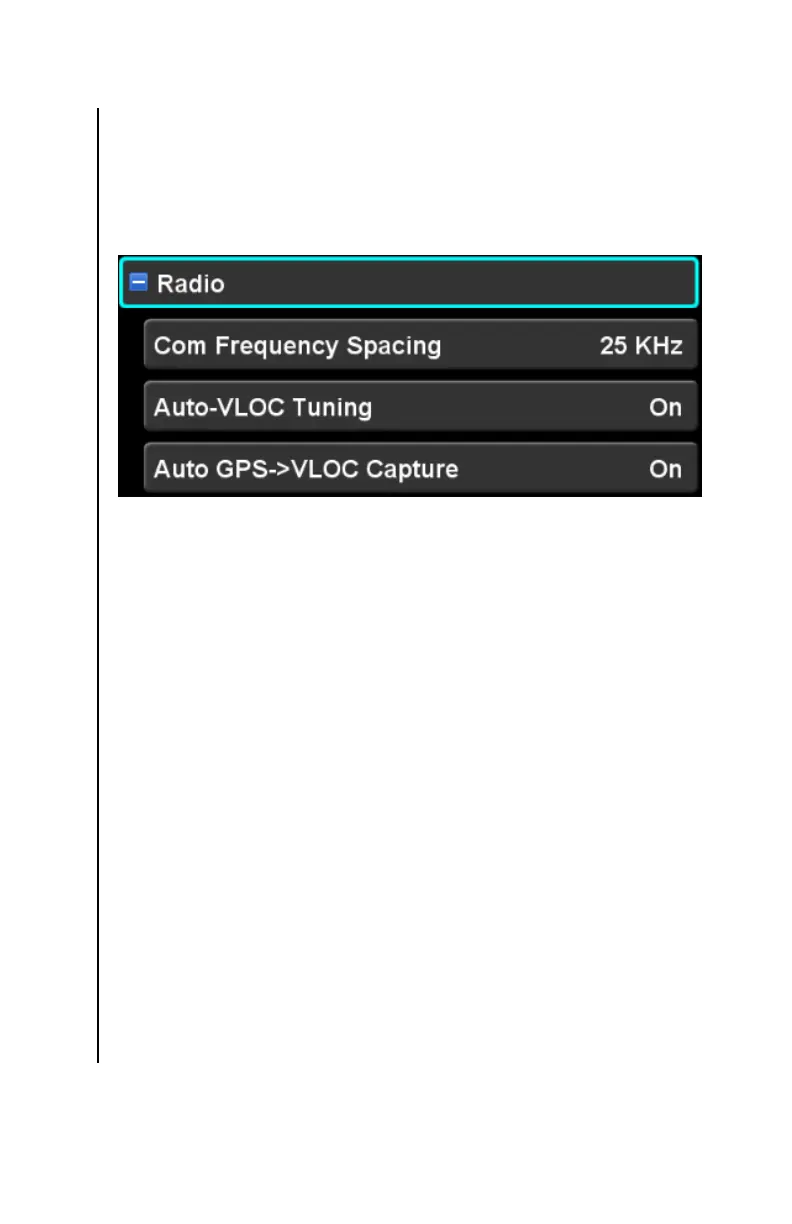
RADIO CATEGORY †
Items in this category are used to control operation of the VHF
Nav/Com radio. If the IFD does not contain a VHF radio (e.g.
IFD545), then this category and the related settings will not be
shown.
Com Frequency Spacing †
This setting controls whether the comm. Radio uses 25 or 8.33
KHz spacing. The factory default setting is “25 KHz”.
Remote IFD Tuning †
This setting controls whether this IFD is capable of tuning the
radio on a second IFD. The factory default setting is “Off”.
Note that this setting is only available on the Setup page when
the IFD is configured with cross-sync enabled.
Auto-VLOC Tuning †
This setting controls whether the IFD will automatically tune the
nav radios to the navaids recommended by the FMS. The factory
default setting is “On”.
Auto GPS->VLOC Capture †
This setting controls whether the IFD will allow the GPS->VLOC
state for nav source and automatically transition to VLOC when
the capture criteria are met. The factory default setting is “On”.



 To Next Page