IFD500 Series Pilot Guide
System Overview 1-41
FUNCTION KEYS
In addition to the Direct-To and Frequency List keys that have
already been described, the IFD has Nearest (“NRST”), Enter
(“ENTR”), and Clear (“CLR”) keys that perform the following
functions:
NRST – Simultaneously jumps to a Nearest page (if not
already there) and presents a list of the nearest airports
to your present position. Each additional press of the
“NRST” key changes the nearest list to another category
as defined in the list below:
o Nearest Airports
o Nearest Airports to Destination
o Nearest VORs
o Nearest NDBs
o Nearest Intersections
o Nearest ARTCCs
o Nearest FSS
o Nearest Airspace
o Nearest User Waypoints
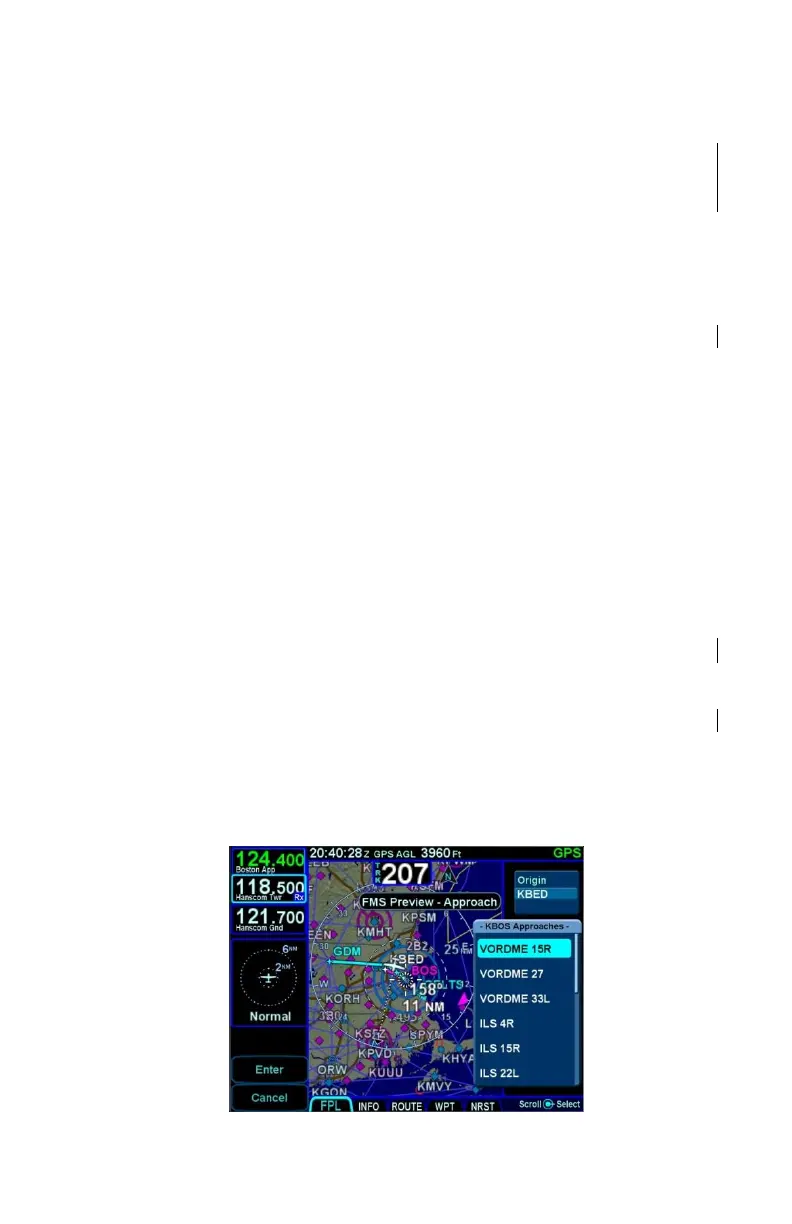
PROC – The “PROC” key acts as a shortcut for attaching
a published arrival or approach procedure to a waypoint
in your flight plan. It can be used at any time. The first
press of the key results in the IFD displaying the FPL tab
of the FMS page with the Approach field of the next
destination after the active leg highlighted in reverse
video and a drop down list of available published
approaches listed.



 To Next Page