IFD500 Series Pilot Guide
General 7-65
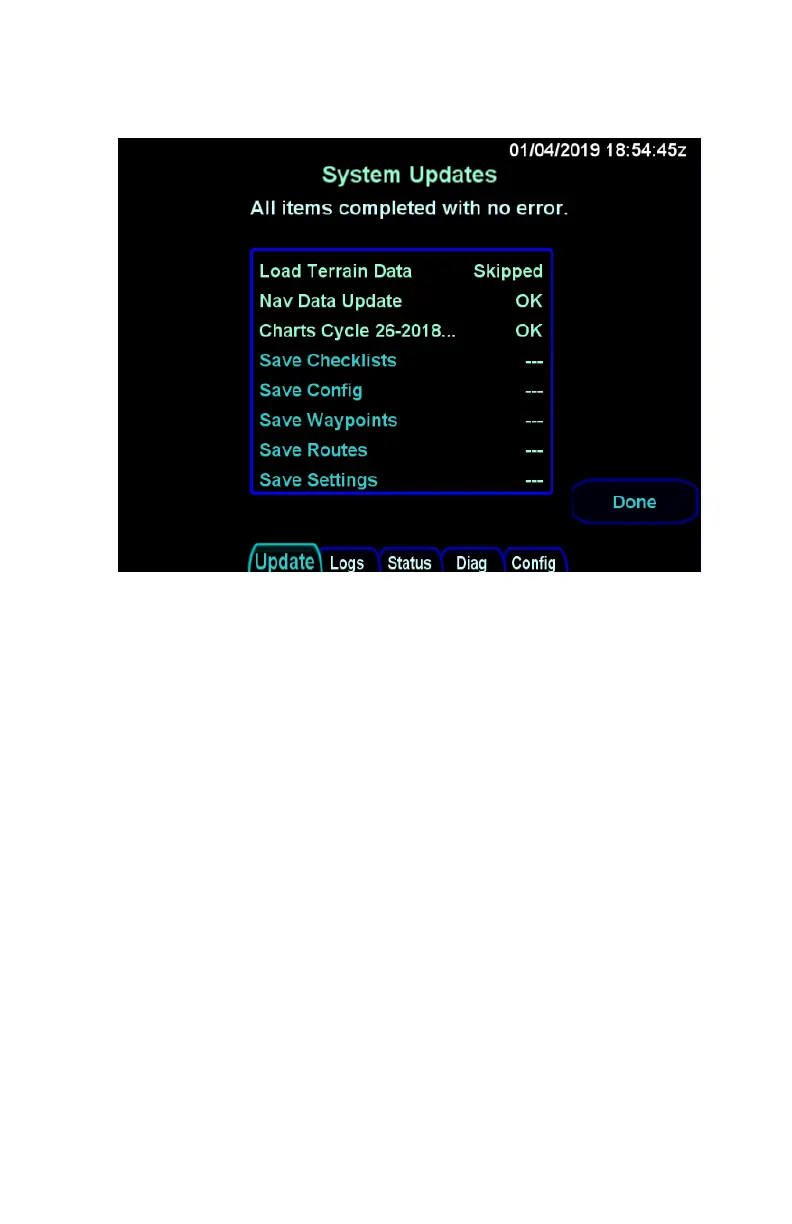
Upload Complete Indications
When all loading operations have been completed, press the
“Done” LSK to restart the IFD in flight mode. Remove the USB
fob and store it in a safe place. If the USB fob is inadvertently left
in the USB port during flight mode, there will be no adverse affect
as the USB fob is ignored during flight mode.
Once the IFD is back into flight mode, It is highly recommended
to verify that the data was updated by going to the AUX-SYS tab,
selecting "Databases" with the “Status” LSK, and then checking
the identifying characteristics of the databases that were loaded
(e.g. name, cycle dates).



 To Next Page