95
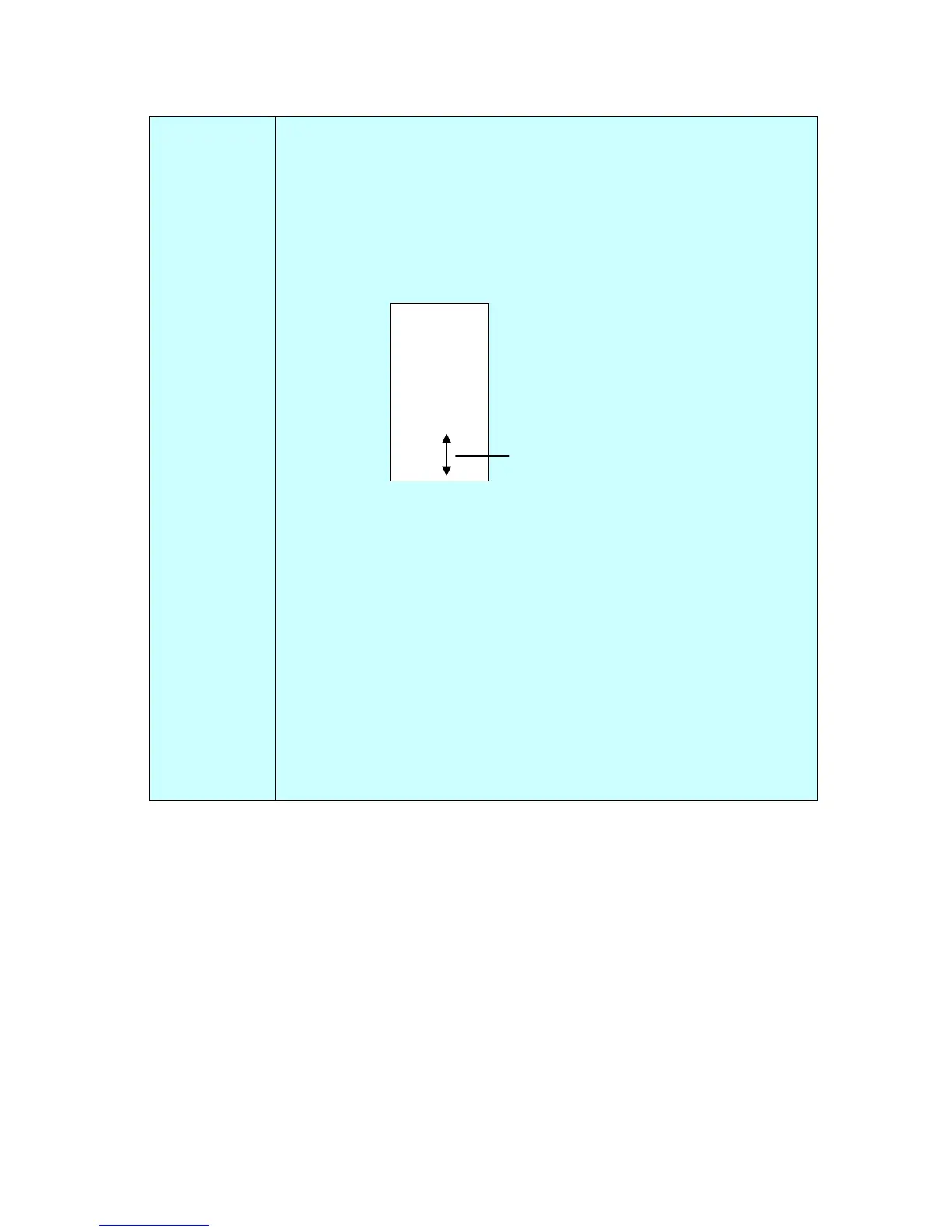
Print Position (External)
Choose the position you wish to print your string. Tap Up arrow
button to increase the value or Down arrow to decrease the value.
Range: 0~355mm, default:30mm
The value indicates the height from the bottom of your paper to
the last letter of your string.
Choice: 0~355mm. Default value: 355
Font Density
Choose your desired font density value by tapping the Up/Down
arrow button.
Choice: 0~255mm. Default value: 0
Font Transparency
Choose your desired font transparency value by tapping the
Up/Down arrow button.
Choice: 0~100%. Default value: 0
0001abc 2010
he value o
Print Position



 To Next Page