123
Replacing the Attract Ink Box Assembly
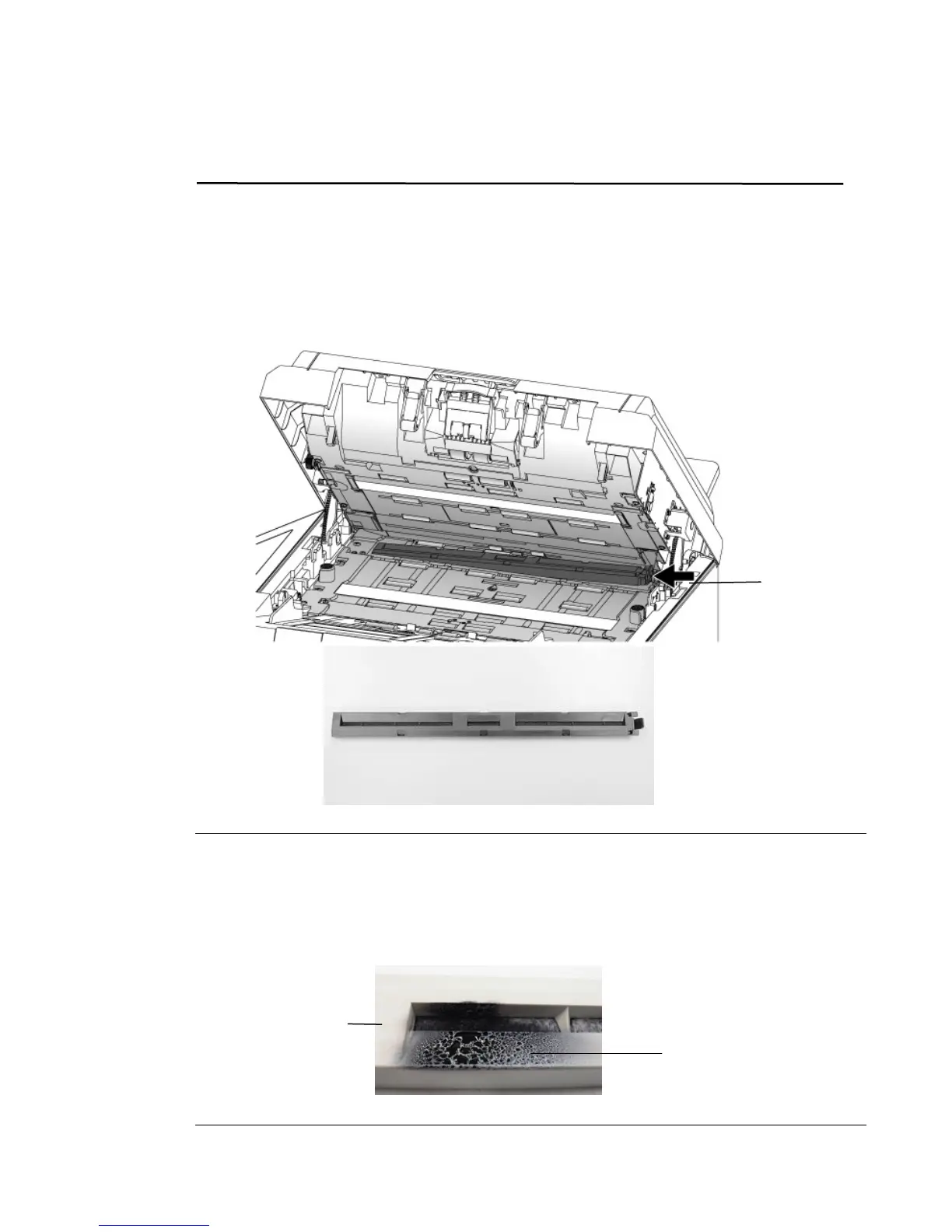
1. Pull the ADF Handle and open the ADF cover with a light force.
2. Press the right end of the Attract Ink Box Assembly and lift it up to remove it from the device.
Note:
How to judge the Attract Ink Box Assembly is near its life time:
The life time of the Attract Ink Box Assembly is approximately two years. When the
assembly is near its life time, there will be a lot of ink on the surface of the
assembly as shown in the following figure. If so, it is time to replace the Attract
Ink Box Assembly.
Attract Ink
Box
Assembly
Ink
Attract Ink
Box Assembly



 To Next Page