16
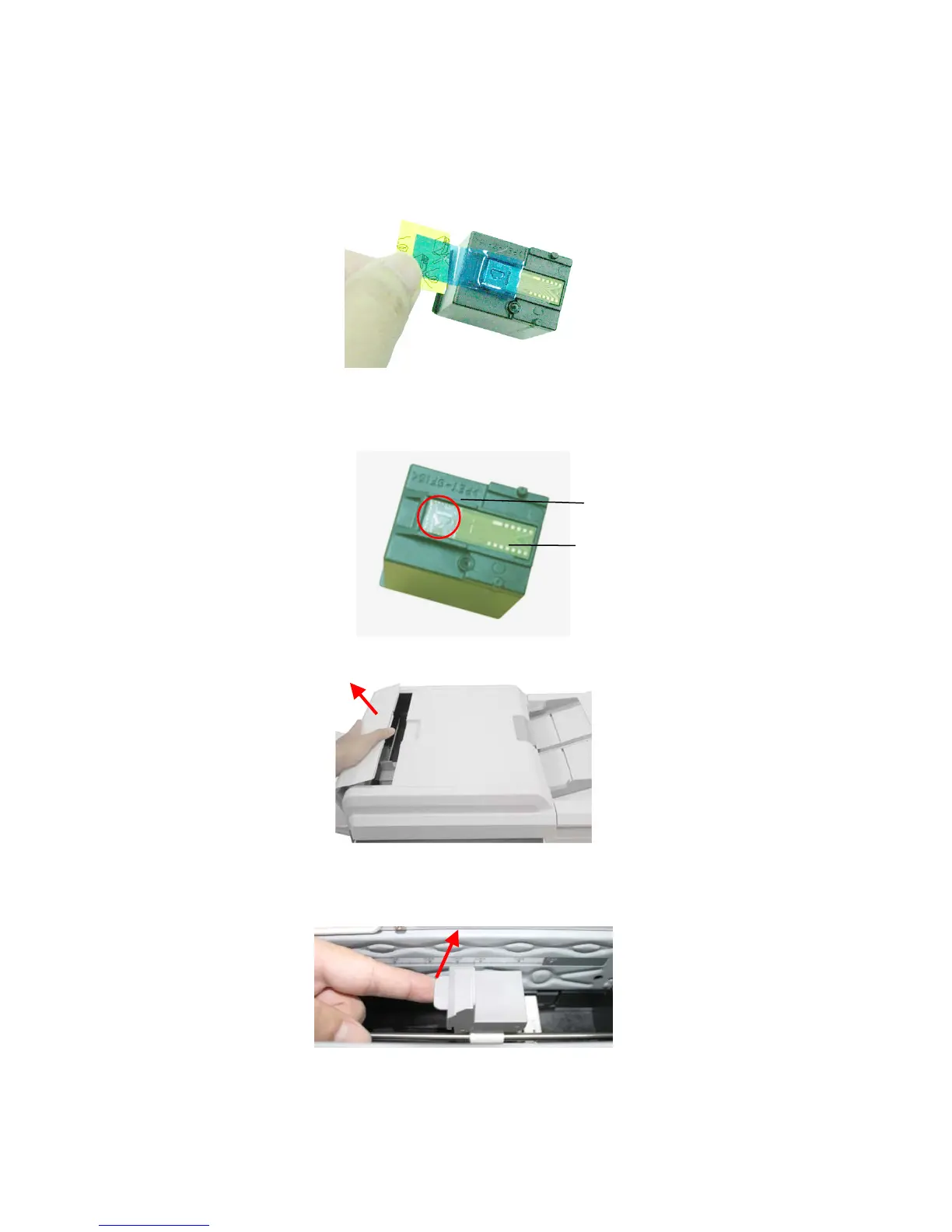
Installing the Print Cartridge
1. Open the box of the print cartridge and remove the protective tape from
the bottom of the cartridge.
2. Do not touch the ink nozzles (
1) or the gold contacts (2) after the tape
has been removed.
3. Open the Imprinter Cover.
4. Open the Print Cartridge Holder by lifting up the locking lever with your
finger.
1
2



 To Next Page