19
Placing Document(s) in the ADF
1. Check if your documents are within these guidelines and make sure your
document is free of staples, paper clips and is not tore out.
Type
High Quality Paper, PPC Paper (Xerox specified paper),
Carbonless Paper
Weight
28 ~ 209 g/m
2
Size
A3, A4, A5, A6, A7, B4, B5, B6, B7, B8, Letter, Double
Letter
Minimum size: 50 mm (width) x 88 mm (height)
Maximum size: 297 mm (width) x 420 mm (height)
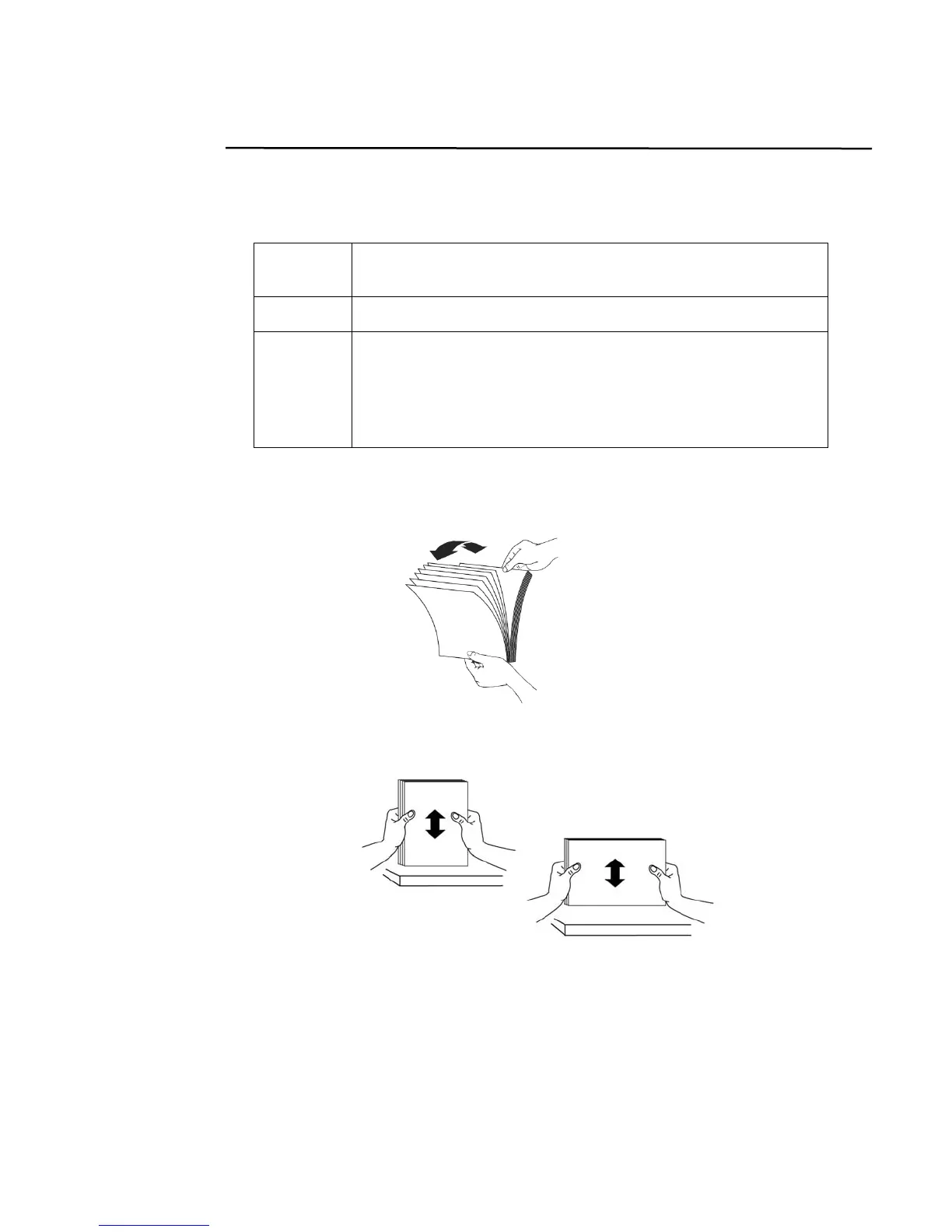
2. If you have multiple pages, fan your document(s) to avoid occasional paper
jam.
3. Align the edges of the documents by tapping the bottom of the stack against
the table top. Rotate the stack 90 degrees and repeat.
4. Place your document(s) with the text FACE Down in the ADF and the 1
st
page facing down and the top of the pages pointing to the feeder.



 To Next Page