8
5 Customizing Your Scan
Options
The product classifies regular scanning jobs into 3 main document types, including
Photo, Document, and Mix.
If the current scan settings of Photo, Document, or Mix do not fit your requirement
for a particular scanning task, tap the [Custom] button to change your scan
settings.
To customize scan options:
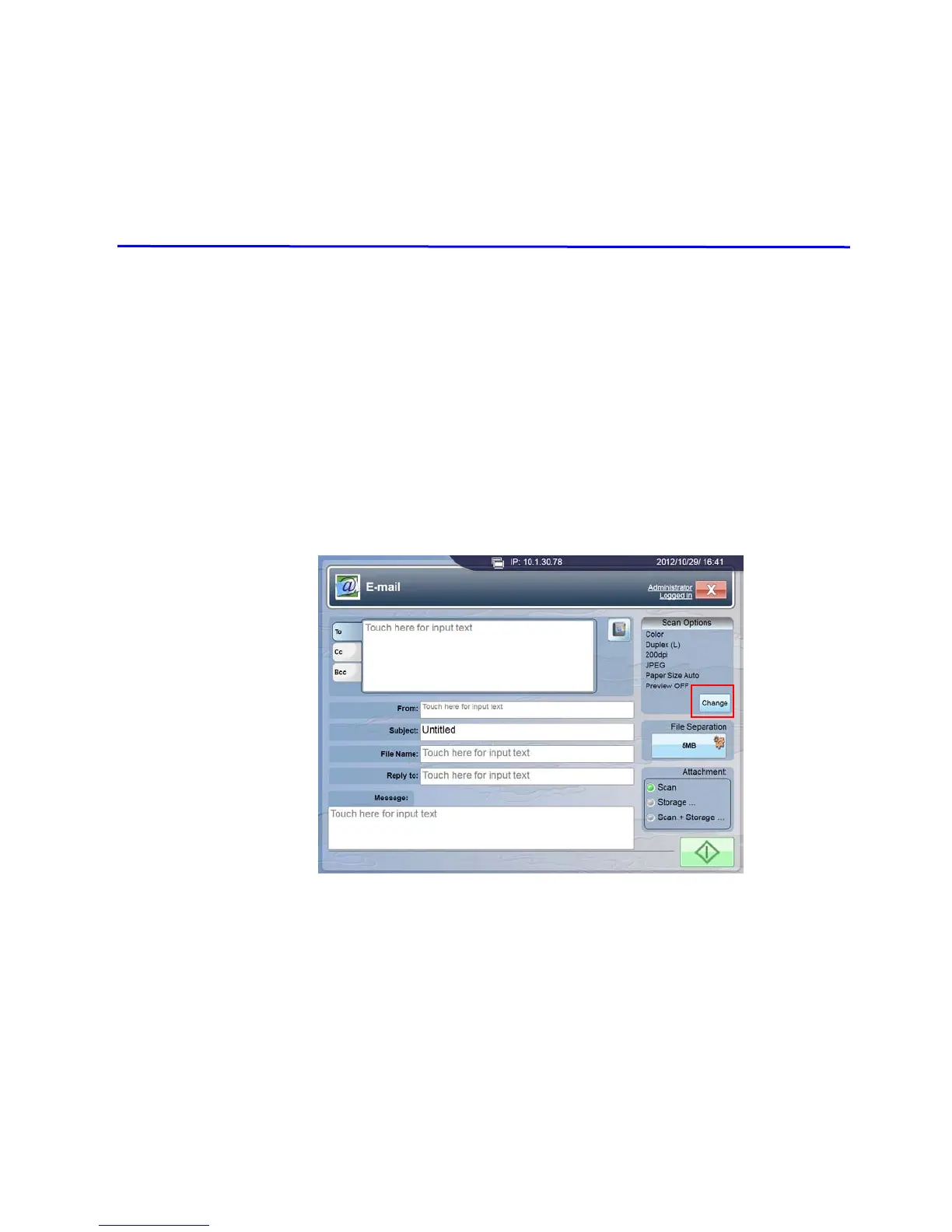
Tap the [E-mail (or Filing)] button on the touch panel to open the following
[E-mail] window.
Tap the [Change] button under Scan Options to open the [Document Type]
window.



 To Next Page