38
Change More E-mail Settings
You can customize E-mail jobs using the various settings available from the touch
panel, including the following:
• Scan Options
• File Separation
• Attachment
Scan Options
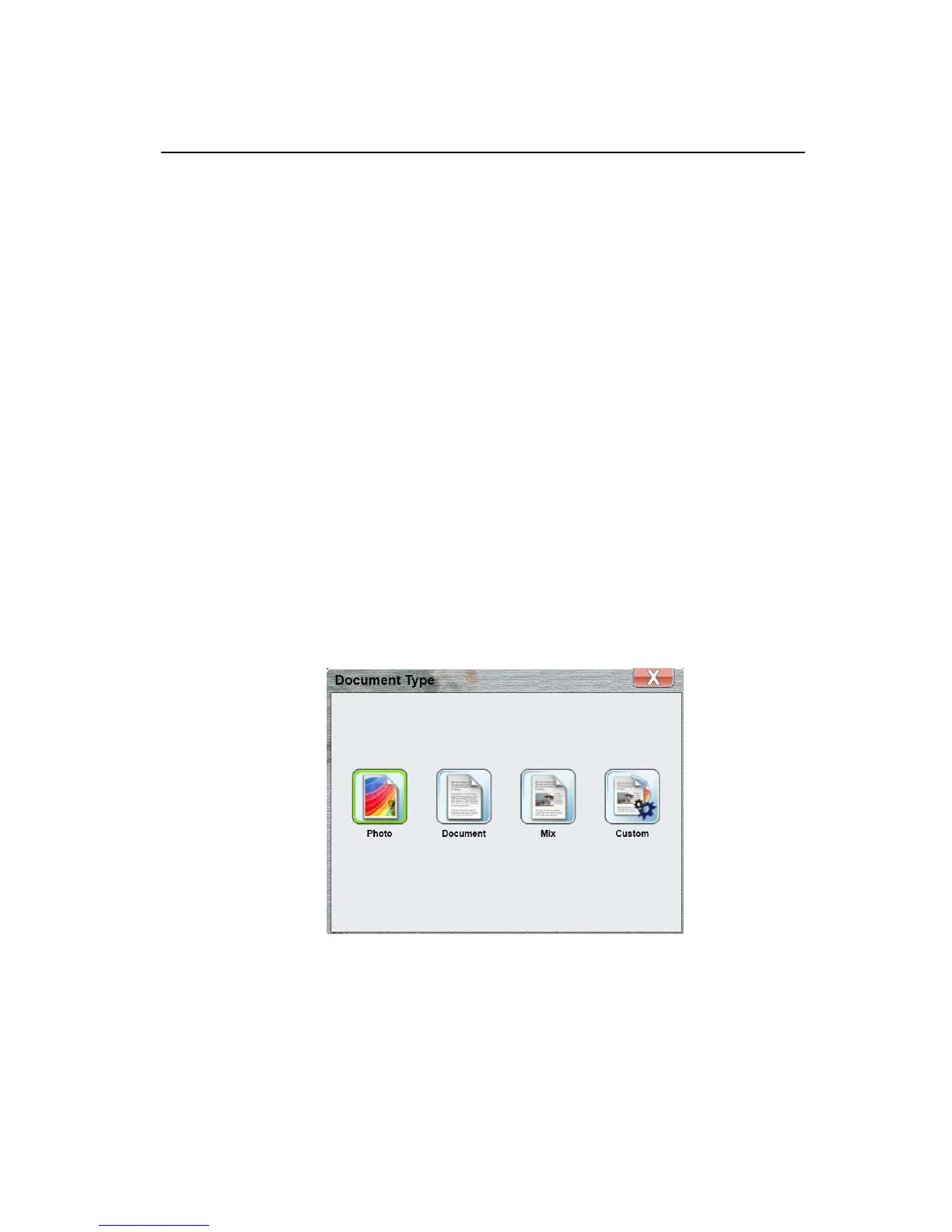
The product roughly classifies regular scanning jobs into 3 main document types,
including:
Photo: Used for the original containing pictures or photographs.
Document: Used for documents containing mostly text.
Mix: Used for documents mixing with text and photographs.
If these 3 document types do not meet your favorite scan job, Custom may help
you to customize your scan settings.
To change your scan options:
1. Tap the [Change] button to bring up the following Document Type window.
2. Select and tap your favor document type button.



 To Next Page