12
Replacing the Print Cartridge
When printed characters appear light or missing characters are evident, complete
the following steps to replace your print cartridge:
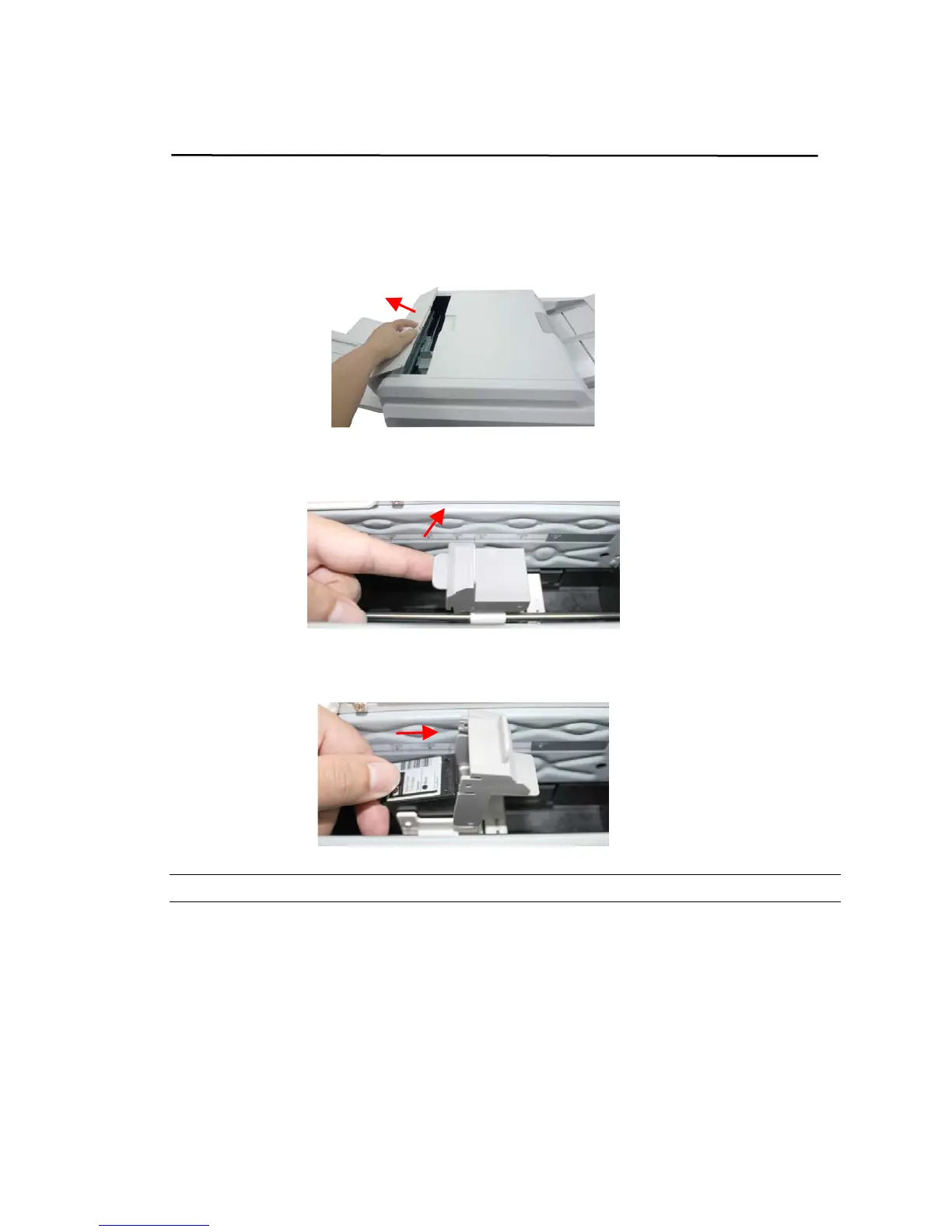
1. Open the Imprinter Cover.
2. Open the Print Cartridge Holder by lifting up the locking lever with your finger.
3. Hold the tab of the cartridge and remove the Cartridge from its holder.
Note: Dispose the empty Print Cartridge according to the local regulations.
4. Open the box of the print cartridge and remove the protective tape from the
bottom of the cartridge.



 To Next Page