10
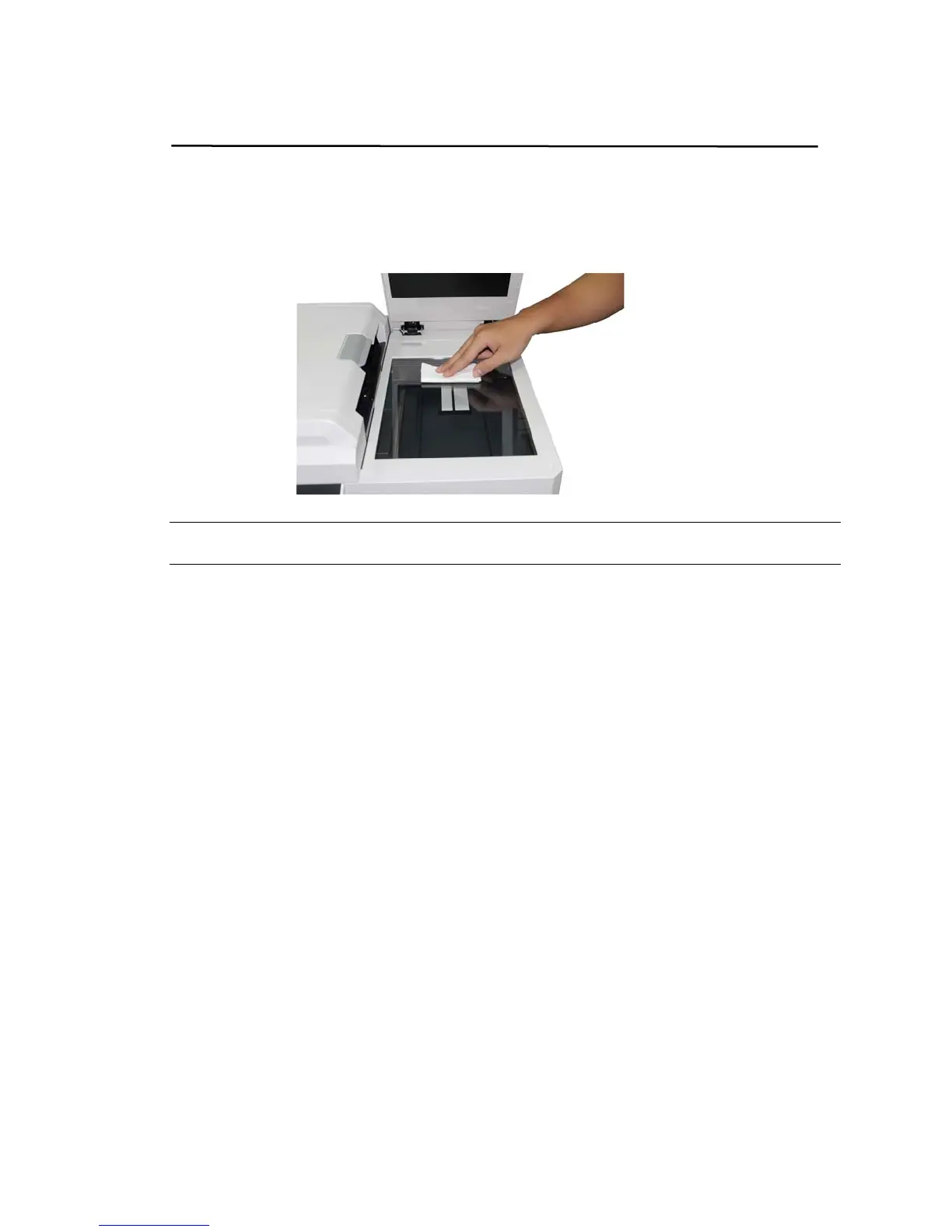
Cleaning the Flatbed Glass
Wipe the platen glass with a soft, lint-free cloth moistened with a specified cleaner
to clean the smudges and fingerprints on the platen glass. If the platen glass is dirty,
dirt will appear on the scanned image.
Notice:
Wait a few minutes until the cleaner is completely vaporized.



 To Next Page