48
Scanning and Broadcasting Your Images
The Scancast (Scan and broadcast) feature allows you to scan a document and save
the image to the product's memory and then respectively specify various
destinations to send the images to these destinations.
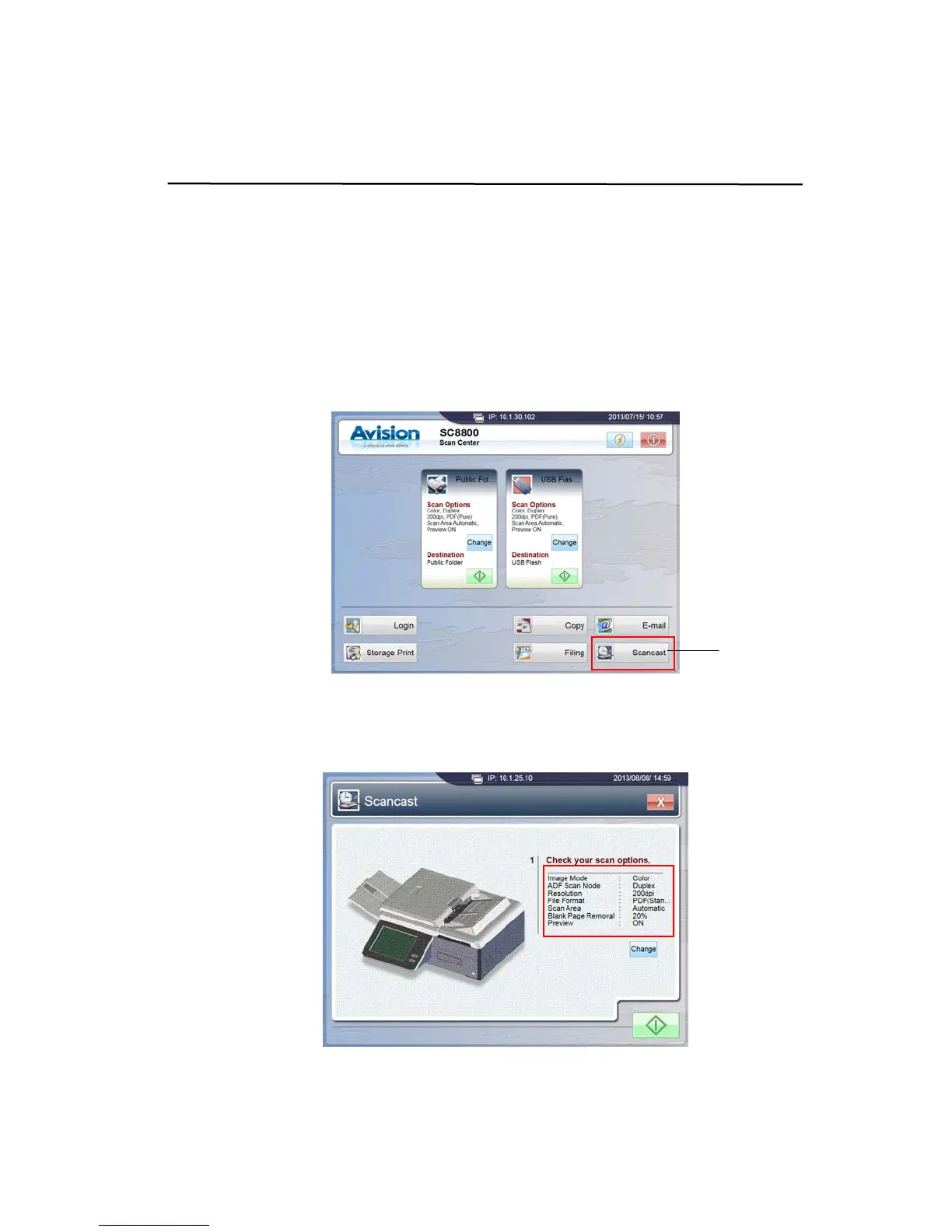
To send a scanned document to multiple destinations,
1. Tap the [Scancast] button on the main screen of the touch panel.
2. The [Scancast] window is shown, prompting you to check and confirm if the
scan options meet your requirements.
Scancast
Button



 To Next Page