9
6 Troubleshooting
Clearing Paper Jams
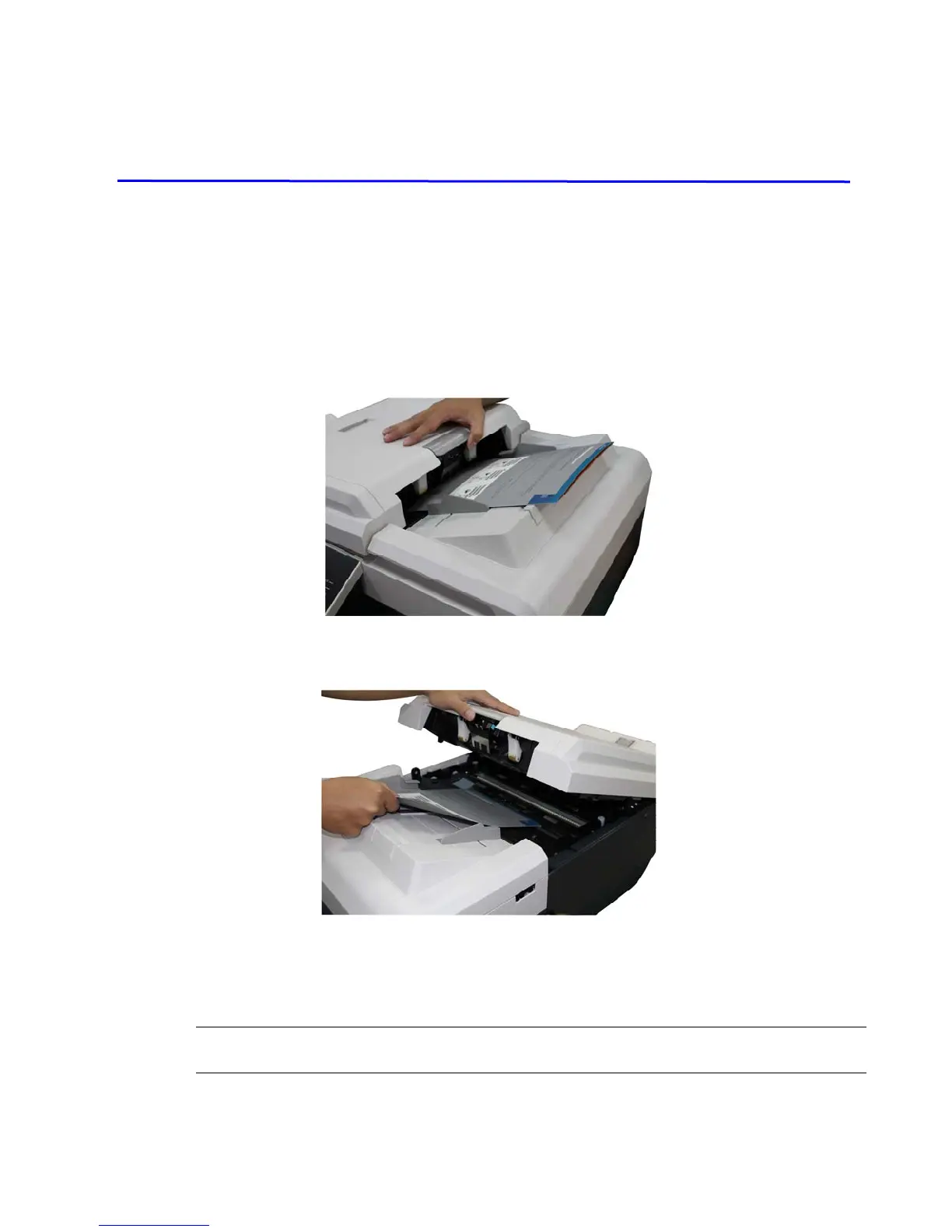
If document is jammed, follow the procedure in below to remove it.
1. Pull the Handle of the ADF to open the ADF cover.
2. Gently pull the jammed paper out of the ADF.
3. Close the ADF cover by pressing down on the center of the ADF until it clicks into
place.
Warning:
Be careful, the ADF may close and pinch your fingers.



 To Next Page