9
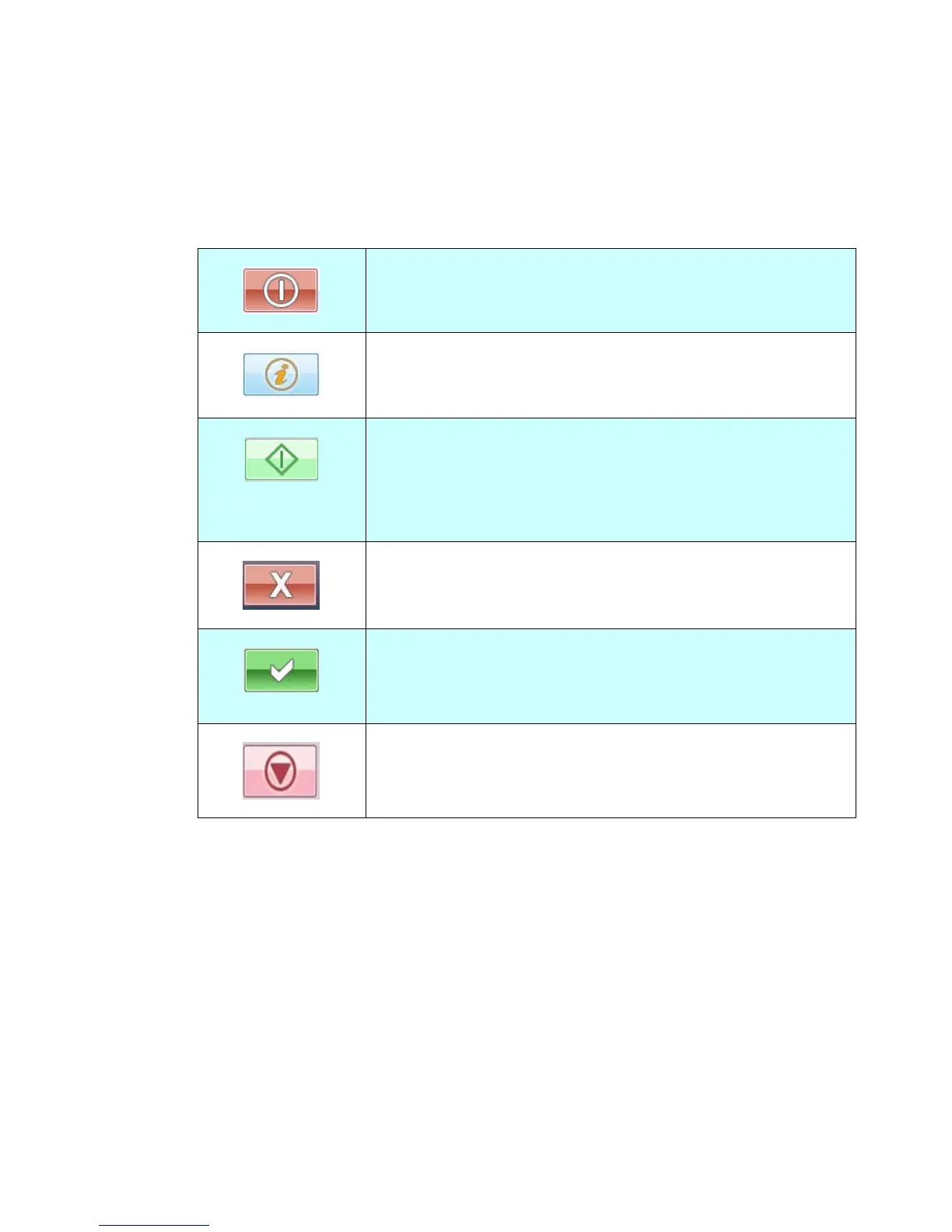
Frequently Used Buttons on the Touch Panel
The following table lists the frequently used buttons and their functions on the touch
panel:
The Shutdown button:
Choose to shutdown, reboot, sleep, or refresh the machine.
The Information button:
Choose to inform you current status of the machine.
The Start button:
Choose to start scanning the document and sending the
scanned image to E-mail, Public Folder, USB Flash Drive, or
other destinations.
The Exit button:
Choose to exit current dialog box.
The OK button:
Choose to confirm the current settings and leave current
dialog box.
The Abort button:
Choose to abort the current action.



 To Next Page