31
Advanced Copy
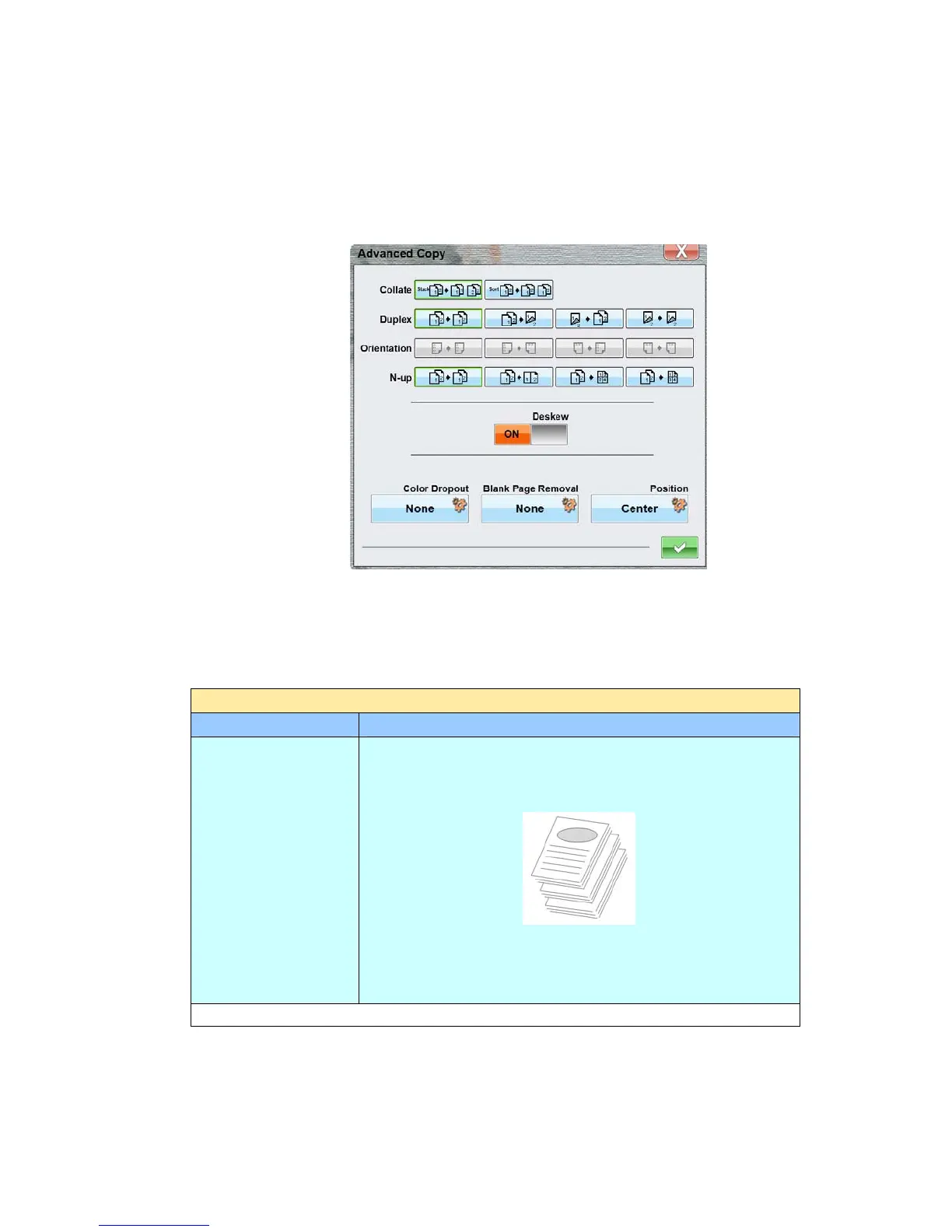
Use the Advanced Copy features to further customize your scanned document. These
features include Collate, Duplex, Orientation, N-up, Deskew, Shrink, Color Dropout,
Blank Removal, and Position. Tap the [Advanced Copy] button to open the
following Advanced Copy window.
To use these advanced copy features, see the table depicted below:
Options for Advanced Copy
Advanced Copy
Item Description
Collate
Choose your copies to be placed in “Sort” (e.g. pages
1,2,3/1,2,3/1,2,3) or “Stack” (e.g. pages
1,1,1/2,2,2/3,3,3) orders.
Collated Documents
Choice: *Stack, Sort
* Factory Default



 To Next Page