30
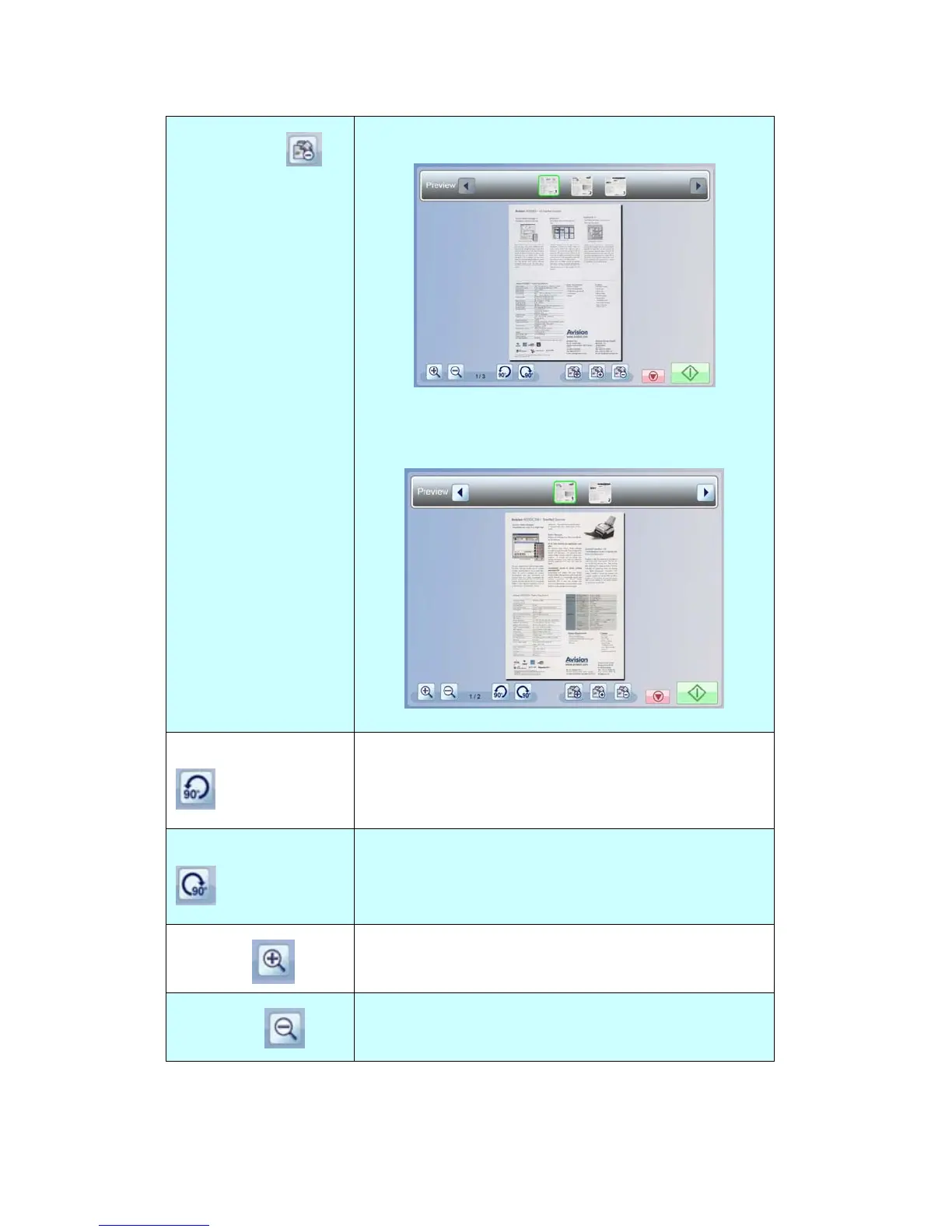
Delete Page
Tap a thumbnail page that you want to delete.
The chosen page is deleted, and the rest pages
remain on the horizontal scroll bar.
Rotate 90∘to Left
Rotates the previewed image by 90 degrees
counterclockwise.
Rotate 90∘to Right
Rotates the previewed image by 90 degrees
clockwise.
Zoom in
Enlarge the previewed image.
Zoom out
Reduce the previewed image.



 To Next Page