29
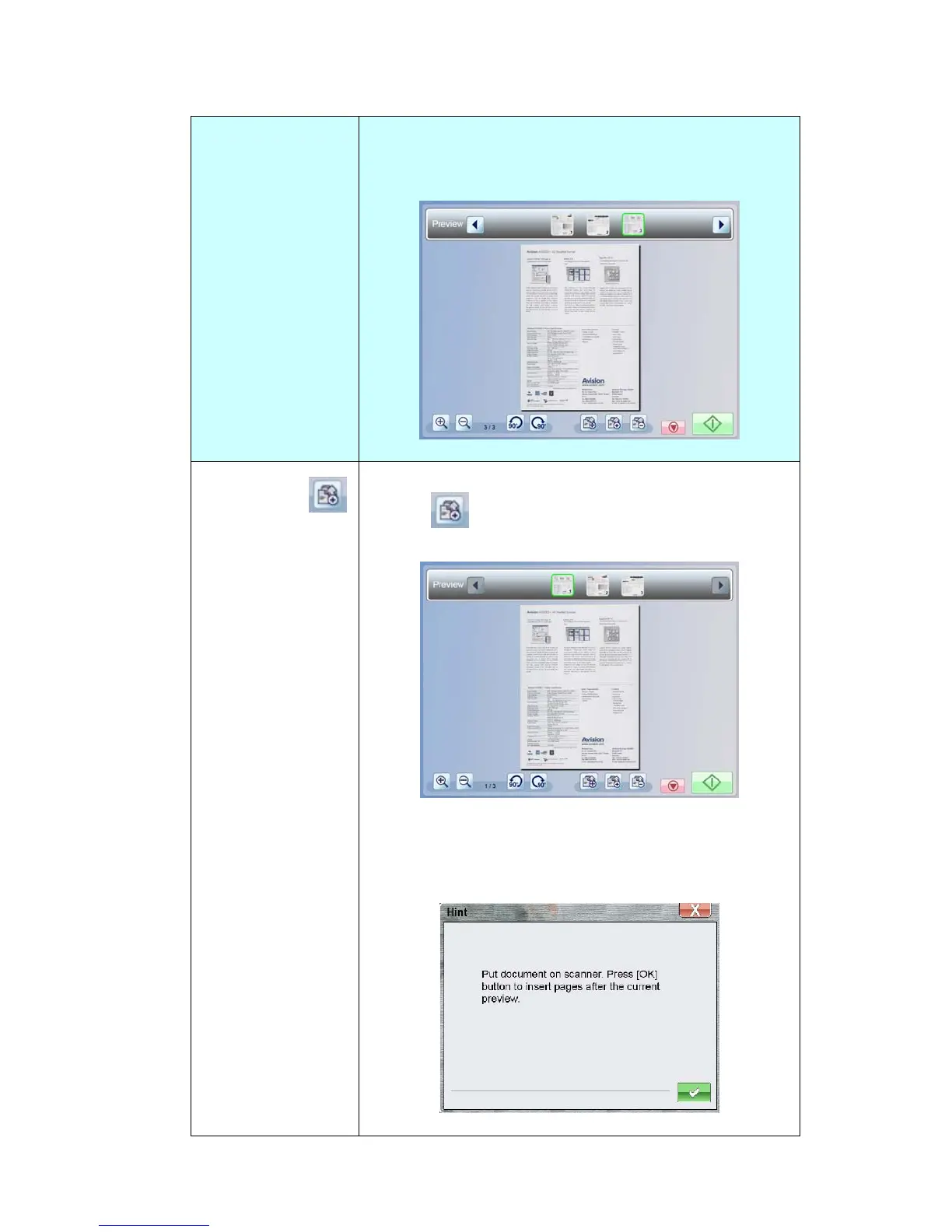
The page is now moved from Position1 to Position3
(the specified Tilted arrow’s position), as shown
below:
Insert Page
Tap a thumbnail page and then the [Insert Pages]
button (
). The scanned images will be added
after the selected page.
The following message box appears to instruct you to
continue scanning your desired original that is going
to be inserted. Follow the on-screen instructions to
complete the remaining process.



 To Next Page