28
Preview
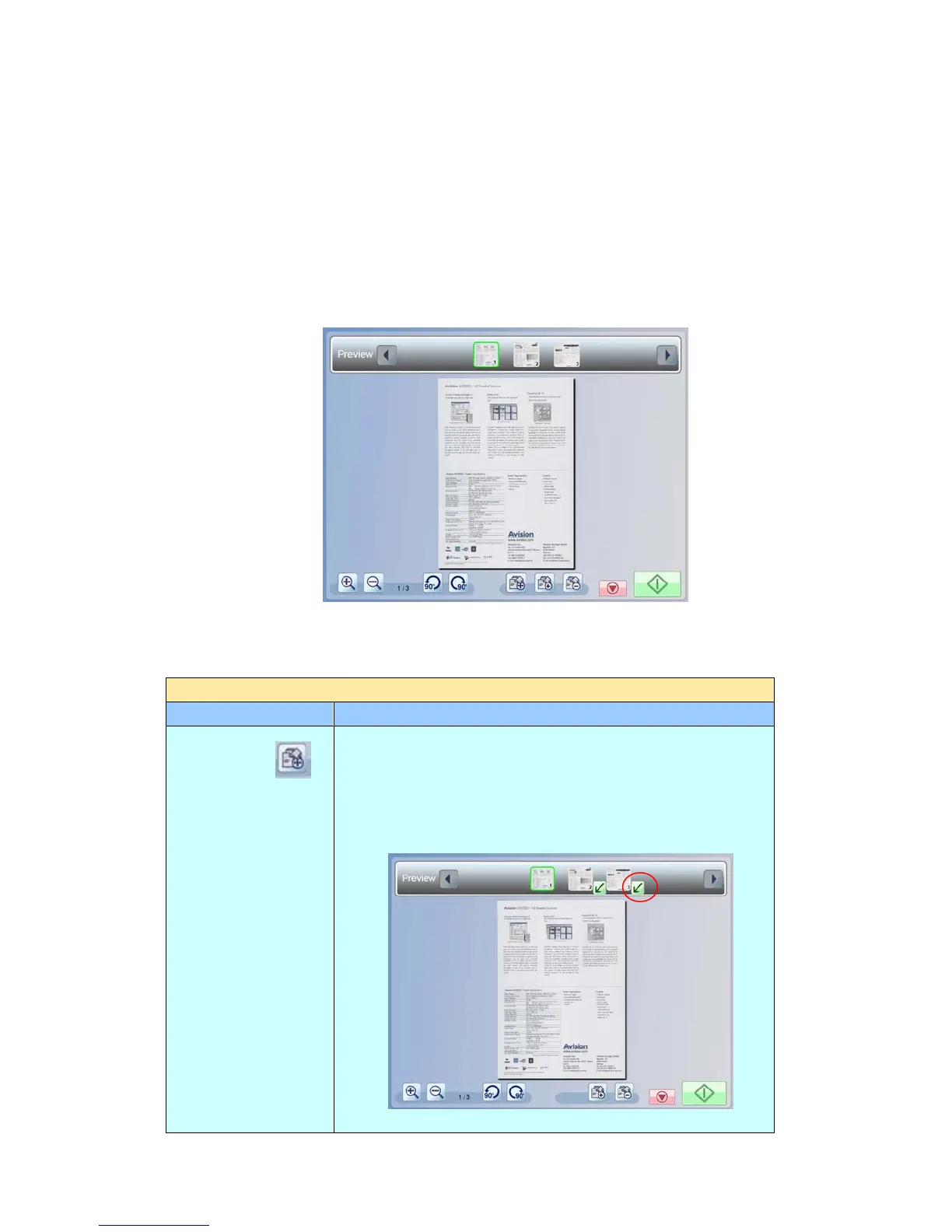
The preview feature allows you to view the scanned images in a low resolution to
check if the scanned image is corrected.
To preview your scanned documents:
1. Tap [Preview] to show ON in the [Preview] button.
2. Tap [Start], and the [Preview] window appears after scanning as shown
below:
Options on the Preview screen
Preview
Item Description
Move Page
On the horizontal scroll bar at the top, tap a
thumbnail page that you want to move its order. Tap
this [Move Page] button, and a Tilted arrow, as
shown below. The selected page is moved to order of
the tilted arrow’s position.



 To Next Page