119
10. Reset the ADF Pick Roller counter from the touch panel
(login>Menu>Information/Report).
Notice:
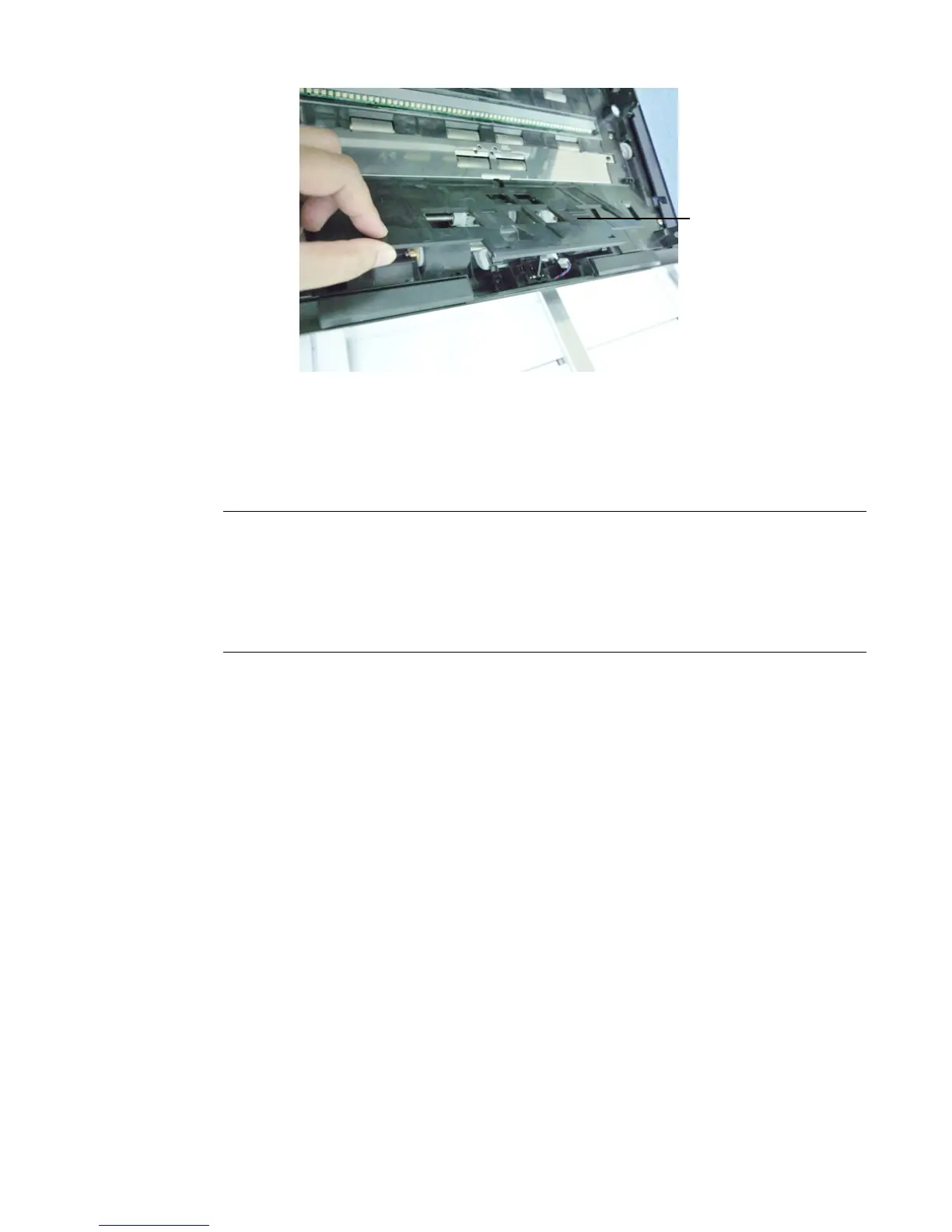
z Do not close the ADF while the Pickup Roller Cover is kept open.
z Note: Make sure the ADF is completely closed. Feeding errors may occur if
the ADF is not closed completely.
z Confirm that the Pickup Rollers are attached firmly. If not, paper feed errors
such as paper jams will occur.
Pick Roller
Cover



 To Next Page