124
Reassembling:
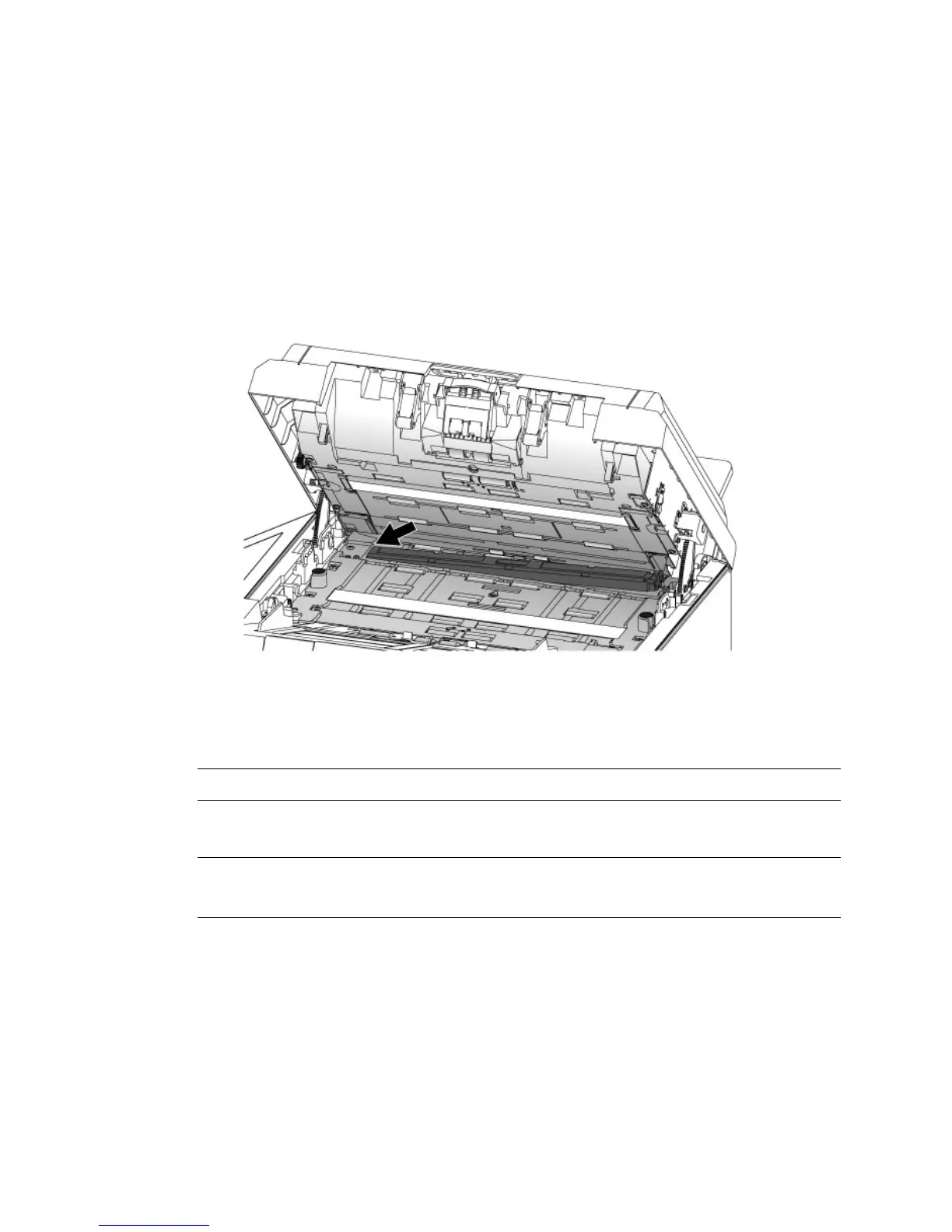
To install the Attract Ink Box Assembly, follow these steps:
1. Pull the ADF Handle and open the ADF Cover with a light force.
2. Insert the left end of the Attract Ink Box Assembly to the left side of its
original position as illustrated.
3. Press the right end of the Attract Ink Box Assembly inward and move it
down.
Warning: Be careful, the ADF may close and pinch your fingers.
Note: Make sure the ADF is completely closed. Feeding errors may occur if the
ADF is not closed completely.



 To Next Page