108
Warning:
The glass surface inside the ADF becomes hot during the scanner operation.
Before you start cleaning the inside of the scanner, turn off the product and wait
a few minutes to let the product cool down.
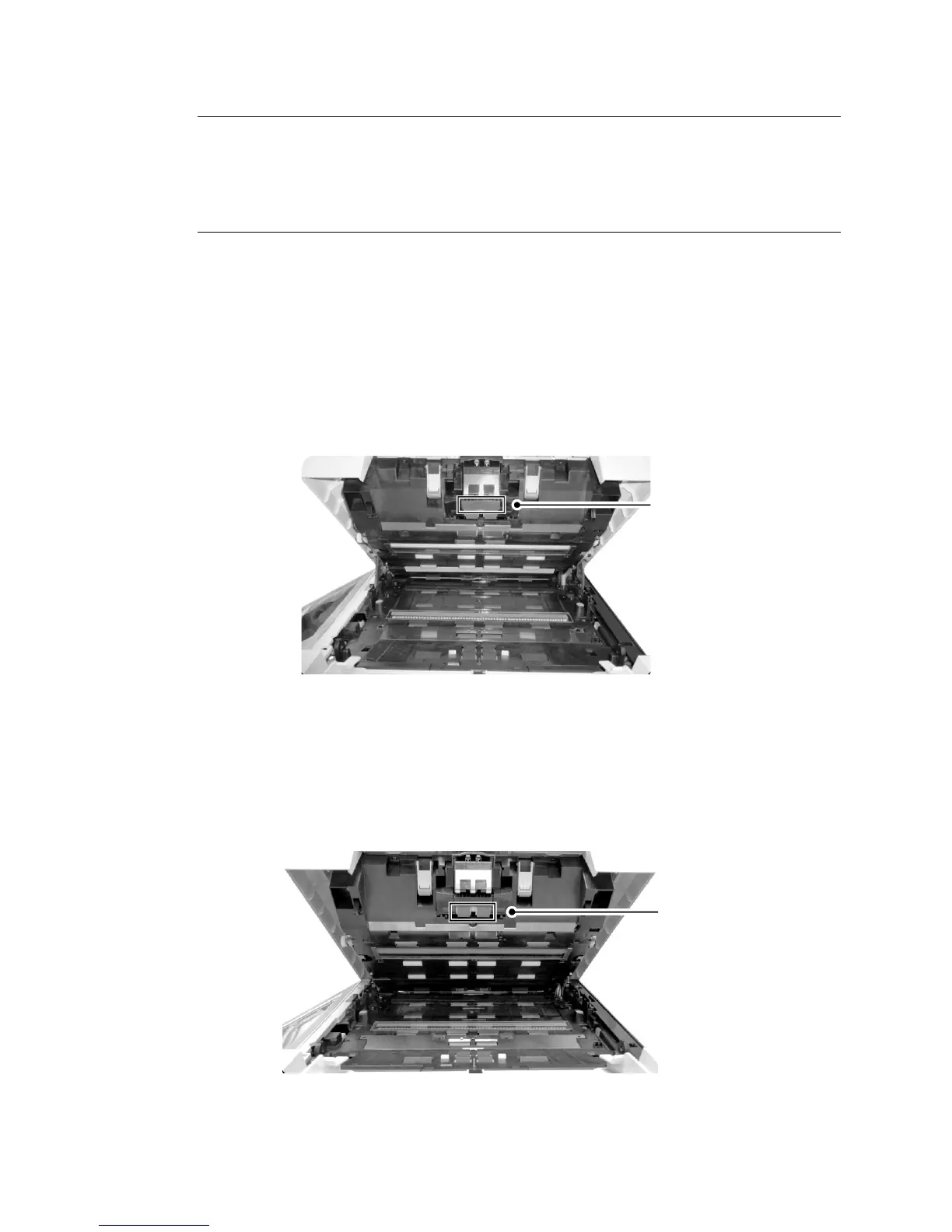
The ADF Friction Roller Assembly
Clean the ADF Pad (
2):
Wipe the pad from side to side (') with a soft, lint-free cloth moistened with a
specified cleaner. When cleaning the ADF Pad, take care to prevent the cloth
from catching the metal parts.
Clean the Separator Rollers (
3) that do not rotate freely:
Push one of the ADF Roller inward, rotate it, this will reposition the other
Separator Roller, too. Then wipe the Rollers from side to side (') with a soft,
lint-free cloth moistened with a specified cleaner. Rotate the roller to clean the
entire surface.
2
3



 To Next Page